Single-file page22.2 KB
Three-question quiz template
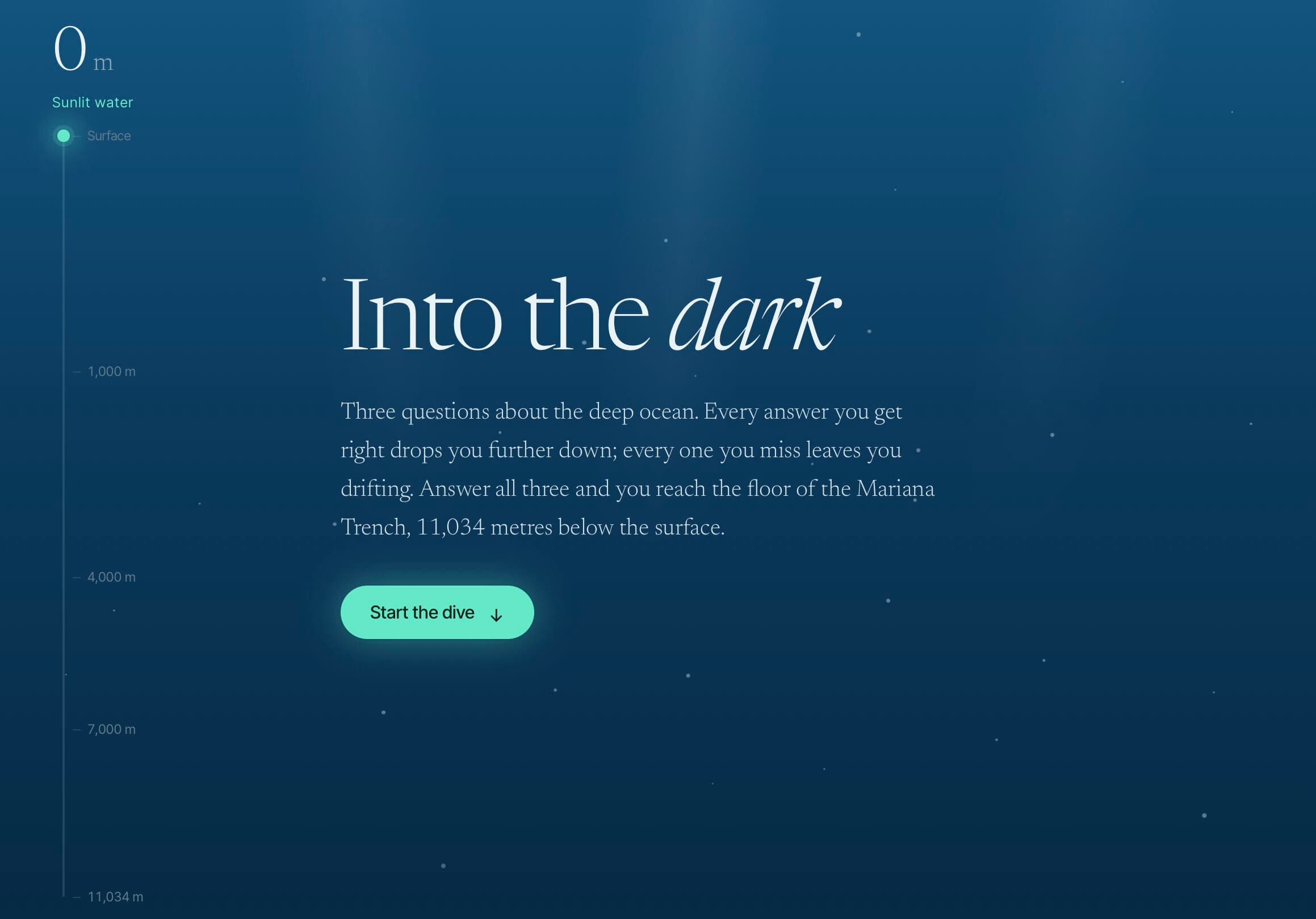
A single page that sinks you further into the ocean with every right answer — animation and state included.
- Free to use
- Your own address
- Live in seconds
- Yours to edit
About this template
A small, self-contained quiz on one page. Three multiple-choice questions, a score that carries from one to the next, and a background that descends deeper into the ocean with every correct answer — from sunlit surface to the dark of the deep. At the end it tells you how far you got and offers to start again.
Who it is for. Teachers who want a quick check-in for a lesson, anyone making a themed quiz for an event or a newsletter, and people who want a starting point for something interactive without setting up a framework. It is also a good first template to open in an editor: the whole thing is one HTML file with the questions written as a plain list near the top.
What you change. The questions, the answer options and which option is correct are all in one array at the top of the script. Change the three that are there, or add more — the page counts them for you. The ocean theme is a set of CSS backgrounds; swap the colours or the images to make it a climb, a countdown or a journey through anything you like.
Why host it. A quiz is only useful when people can open it. Publishing it here gives you a short link that works on any device, with nothing to install and no sign-up for the person taking it. Since it is just a page, it never expires and costs nothing to keep online.
- quiz
- interactive
- education
- game
- single-page
What you get
- Format
- One self-contained HTML file
- Styles and scripts inline. Open it in any editor; nothing to install.
- Size
- 22.2 KB
- Copied inside our storage — nothing downloads to your computer unless you want it to.
- Your address
- my-quiz.99helpers.site
- Suggested — choose any free name when you publish.
How to use the three-question quiz template
- 1
Press “Use this template”
A copy of the three-question quiz is made for you — the whole page — inside our storage. Nothing downloads, nothing to unzip.
- 2
Pick an address
Your copy lives at a name you choose on 99helpers.site, for example my-quiz.99helpers.site. If it's free, it's yours. Add a password here if the page is for a select few.
- 3
Publish, then make it yours
It's live in seconds. Open it, save the page to your computer, change the words, and drop the file back in at the same address — the link never changes, and every earlier version is kept.
Hosting a page on 99helpers.com
A template is only useful once it's online. That part is what 99helpers.com does: any file or static site, at an address you choose, free.
Live in seconds
No build step, no server to set up, no FTP. Publish and the link works.
Your own address
A short, permanent name on 99helpers.site — easy to say out loud and to put on a card.
Update without changing the link
Publish again to the same address. Every version is kept; roll back in a click.
Password protection
Keep a page for a select few. Protected pages stay out of search results.
AI features, when you want them
Add a help bot, a help centre or a feedback form to any page from your dashboard.
- Everything about file hosting →
Questions about this template
- Can I add more than three questions?
- Yes. Questions are entries in one list at the top of the script — add as many as you like and the quiz counts them automatically.
- Does it need a server or a database?
- No. Everything happens in the visitor's browser. The page is a single file with no backend at all.
- Is the three-question quiz template free?
- Yes. Copying it, giving it an address and sharing the link costs nothing. You create an account at the moment you publish — that's the only step that needs one.
- Do I keep the copy if the template changes later?
- Yes. Your copy is independent from the moment it's made. If we improve the template afterwards, your page stays exactly as you published it until you change it yourself.
- How do I edit the page after publishing?
- Open your copy, save it (a single HTML file), edit it in any text editor, and publish it again to the same address. The old version is kept, so you can put it back in a click.
- Can I use my own domain?
- Your copy gets an address on 99helpers.site. That's a short, permanent link you can put anywhere. If you need it on your own domain, publish the files there with any static host — the template is plain HTML and has no dependency on us.
- Can I make it private?
- Yes. Set a password when you publish and visitors are asked for it before they see anything. Protected pages are also kept out of search results.
- What are the AI features?
- Once a page is live you can add a help bot that answers visitors' questions from its content, a searchable help centre, or a feedback form — without touching the page itself. They're optional and switched on from your dashboard.
More templates
All quiz templates →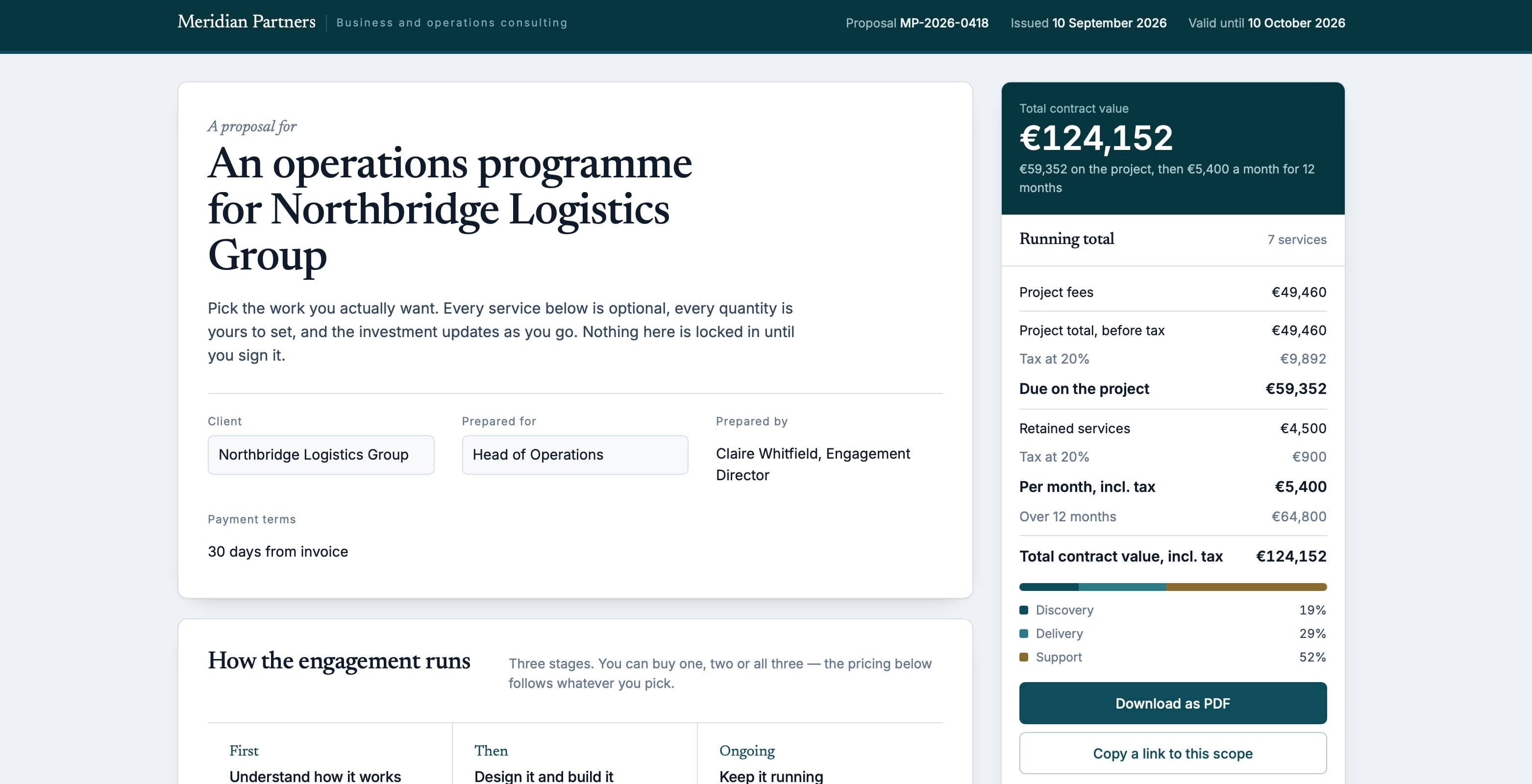 Proposal58.7 KB
Interactive proposal
A consulting proposal where the reader ticks the services they want and the total updates as they go.
 Résumé3 files
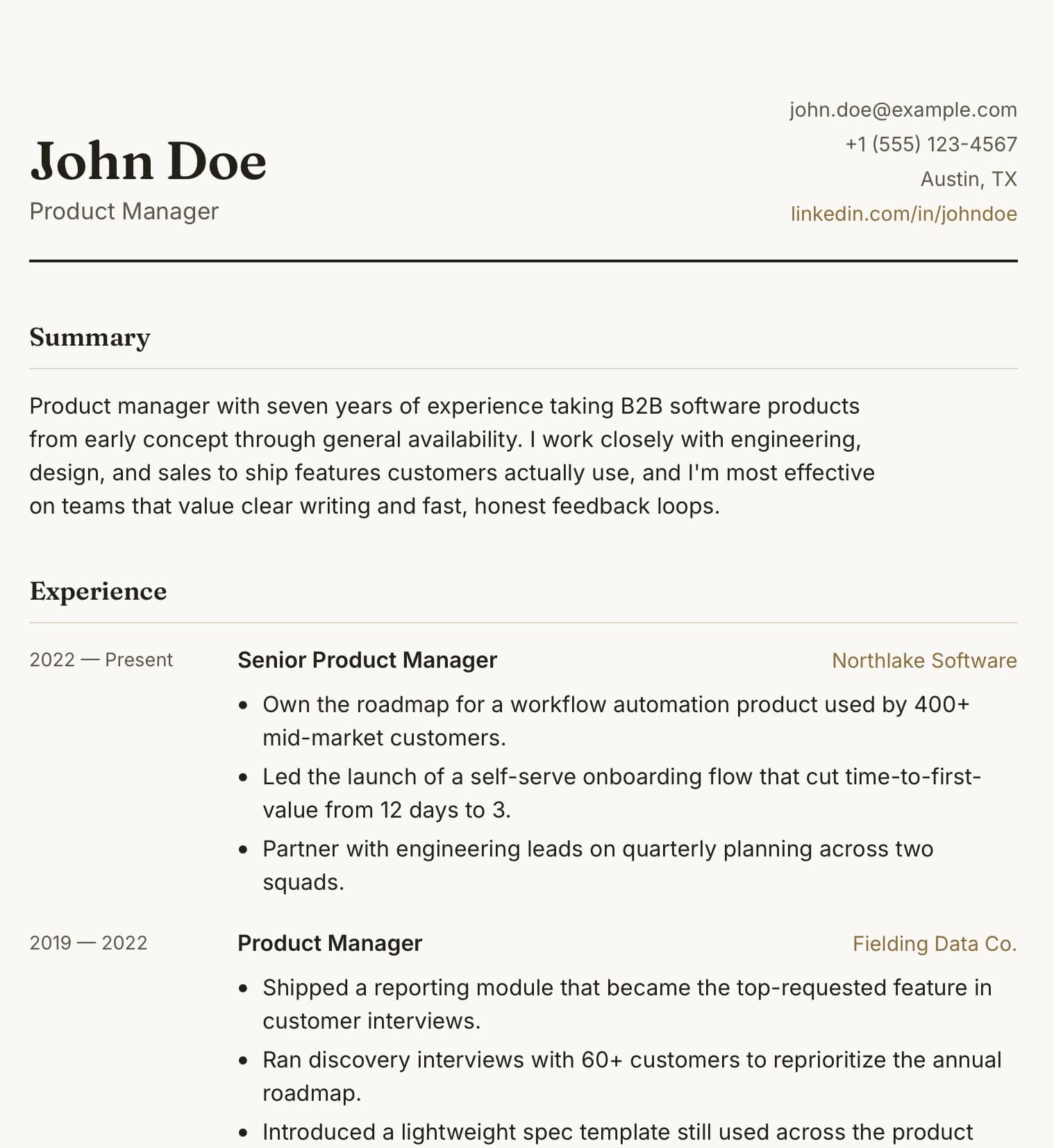
Résumé site
A small static site — page, stylesheet and script — at an address short enough to say out loud.
 Portfolio24.4 KB
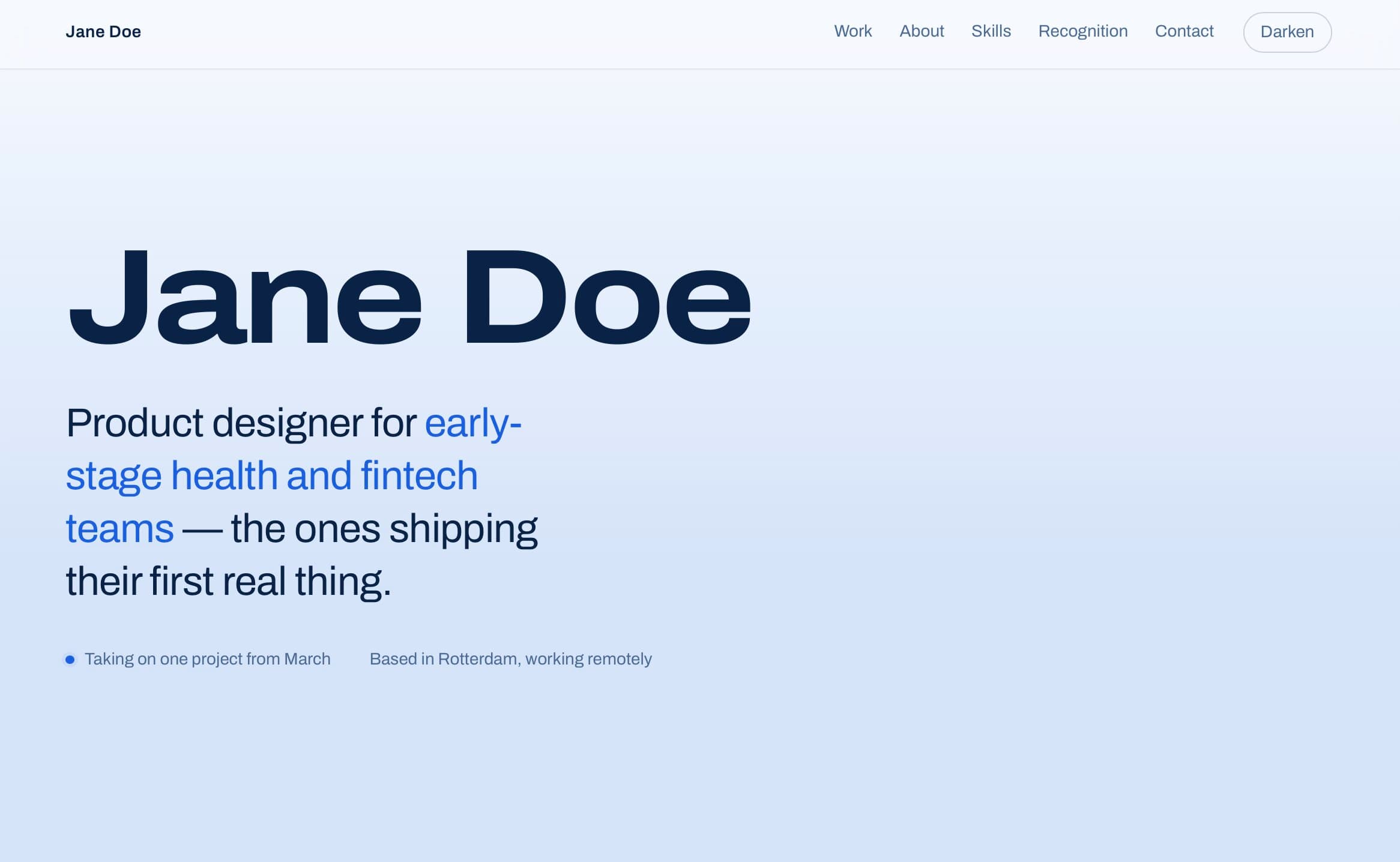
Portfolio one-pager
One page for your work — case studies with outcomes, skills and contact, and a light/dark switch.
Your page, online in the time it took to read this
Copy the three-question quiz template, choose a name, and send the link. Change the words whenever you like.