Static site3 files · 11.7 KB
Résumé site template
A small static site — page, stylesheet and script — at an address short enough to say out loud.
- Free to use
- Your own address
- Live in seconds
- Yours to edit
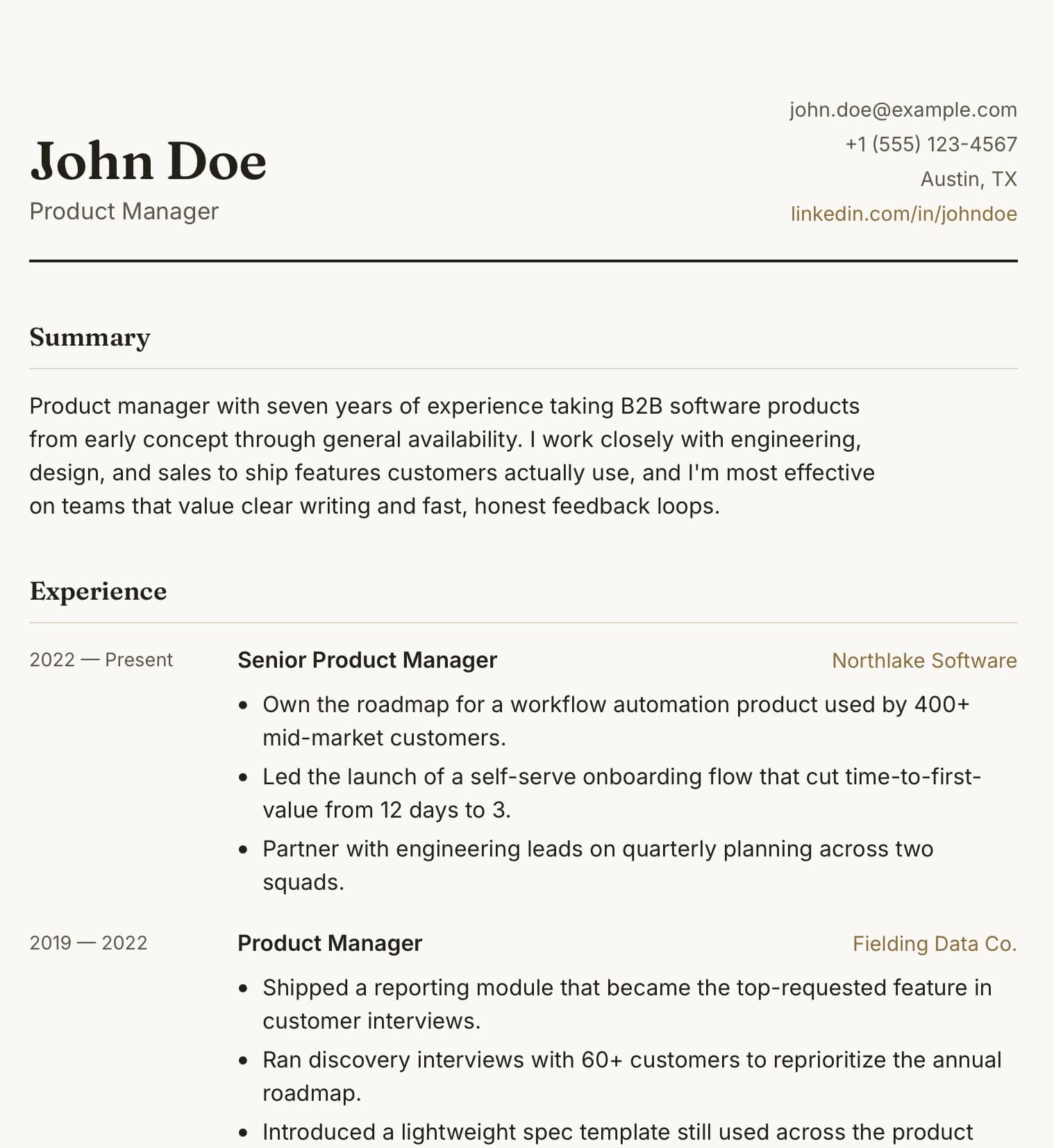
About this template
A résumé as a small website rather than a document. The page is laid out in the order a recruiter reads: name and one-line summary, then experience, then education and skills, with contact details that stay within reach. It is built from three files — the page, a stylesheet and a short script — which makes it a good example of publishing a folder rather than a single file.
Who it is for. Anyone who wants a link they can put in an email signature, a LinkedIn profile or on a business card and never have to update as an attachment again. It is also a gentle introduction to static sites: if you can edit a text file, you can maintain this.
What you change. Your details go into the HTML, which is organised into sections with comments marking each one. The stylesheet holds the colours and the typeface in a handful of variables at the top, so a change of accent colour is one line. The script only handles the print button and a smooth scroll, and can be removed entirely.
Why host it. A résumé at your-name.99helpers.site is easier to remember than a file name, always shows the current version, and reads properly on a phone — which is where most first looks happen. Add a password if you want to share it with a select few rather than the world.
- resume
- cv
- job search
- personal site
- static site
What you get
- Format
- A static site of 3 files
- Page, styles, scripts and assets, with the links between them intact.
- Size
- 11.7 KB
- Copied inside our storage — nothing downloads to your computer unless you want it to.
- Your address
- my-resume.99helpers.site
- Suggested — choose any free name when you publish.
How to use the résumé site template
- 1
Press “Use this template”
A copy of the résumé site is made for you — all 3 files of it — inside our storage. Nothing downloads, nothing to unzip.
- 2
Pick an address
Your copy lives at a name you choose on 99helpers.site, for example my-resume.99helpers.site. If it's free, it's yours. Add a password here if the site is for a select few.
- 3
Publish, then make it yours
It's live in seconds. Open it, save the files to your computer, change the words, and drop the folder back in at the same address — the link never changes, and every earlier version is kept.
Hosting a site on 99helpers.com
A template is only useful once it's online. That part is what 99helpers.com does: any file or static site, at an address you choose, free.
Live in seconds
No build step, no server to set up, no FTP. Publish and the link works.
Your own address
A short, permanent name on 99helpers.site — easy to say out loud and to put on a card.
Update without changing the link
Publish again to the same address. Every version is kept; roll back in a click.
Password protection
Keep a page for a select few. Protected pages stay out of search results.
AI features, when you want them
Add a help bot, a help centre or a feedback form to any page from your dashboard.
- Everything about file hosting →
Questions about this template
- Can I still download it as a PDF?
- Yes. The page has a print button and a print stylesheet, so a visitor can save it as a PDF from their browser.
- Do I need to know how to code?
- Only enough to replace text between tags. Each section is marked with a comment, and nothing breaks if you leave a section out.
- Is the résumé site template free?
- Yes. Copying it, giving it an address and sharing the link costs nothing. You create an account at the moment you publish — that's the only step that needs one.
- Do I keep the copy if the template changes later?
- Yes. Your copy is independent from the moment it's made. If we improve the template afterwards, your site stays exactly as you published it until you change it yourself.
- How do I edit the site after publishing?
- Open your copy, save it (the folder with all its files), edit it in any text editor, and publish it again to the same address. The old version is kept, so you can put it back in a click.
- Can I use my own domain?
- Your copy gets an address on 99helpers.site. That's a short, permanent link you can put anywhere. If you need it on your own domain, publish the files there with any static host — the template is plain HTML and has no dependency on us.
- Can I make it private?
- Yes. Set a password when you publish and visitors are asked for it before they see anything. Protected sites are also kept out of search results.
- What are the AI features?
- Once a site is live you can add a help bot that answers visitors' questions from its content, a searchable help centre, or a feedback form — without touching the site itself. They're optional and switched on from your dashboard.
More templates
All résumé templates →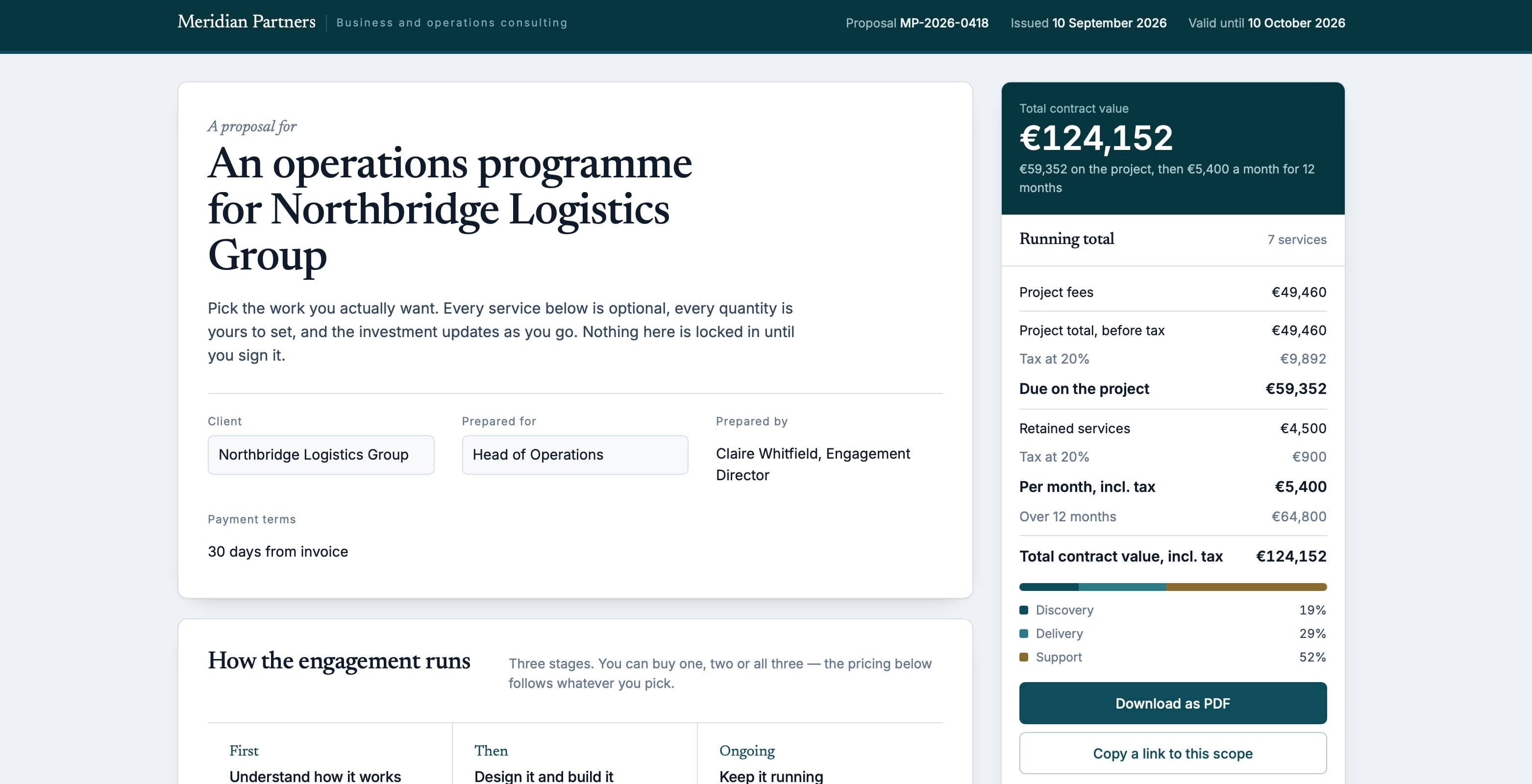 Proposal58.7 KB
Interactive proposal
A consulting proposal where the reader ticks the services they want and the total updates as they go.
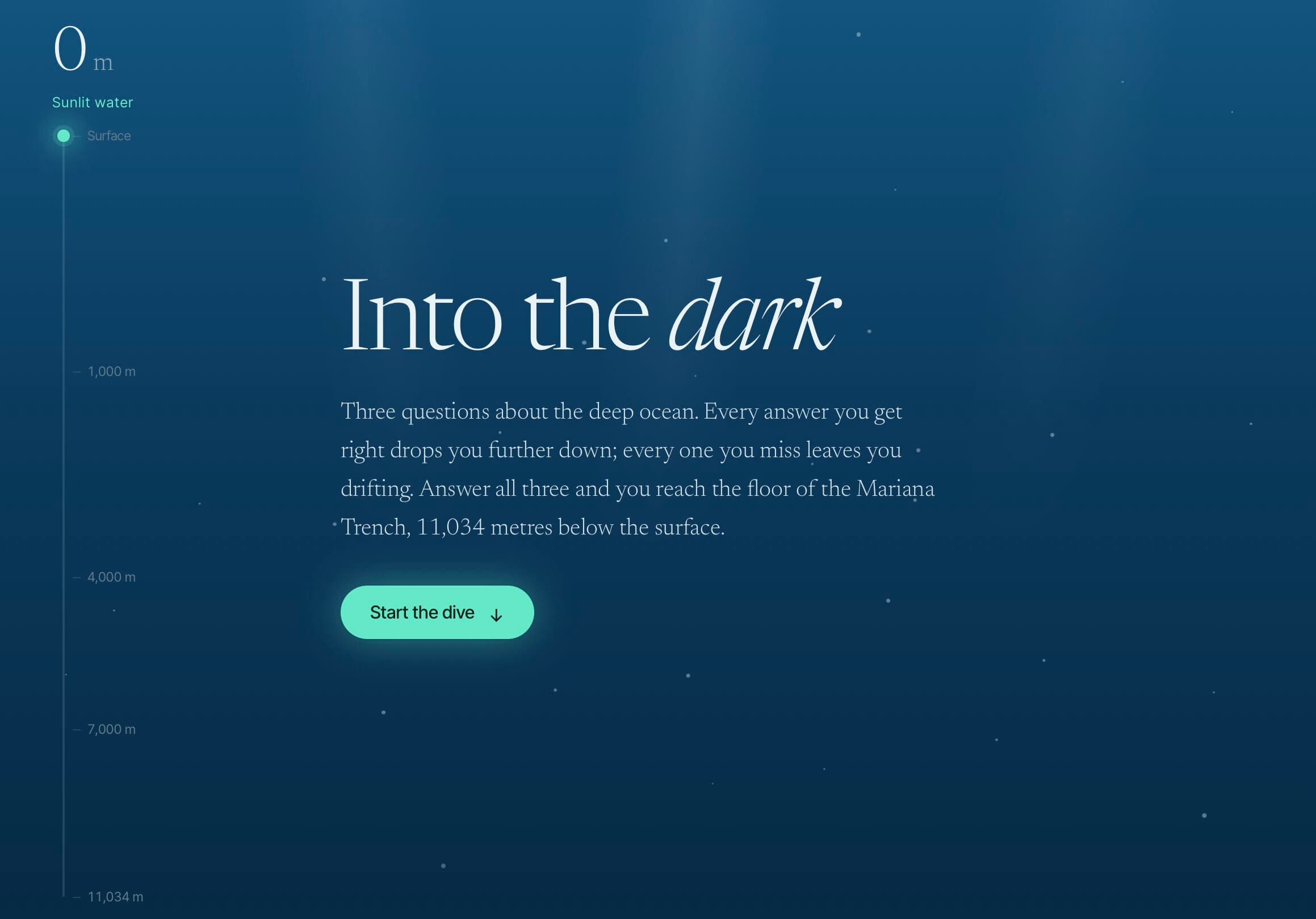 Quiz22.2 KB
Three-question quiz
A single page that sinks you further into the ocean with every right answer — animation and state included.
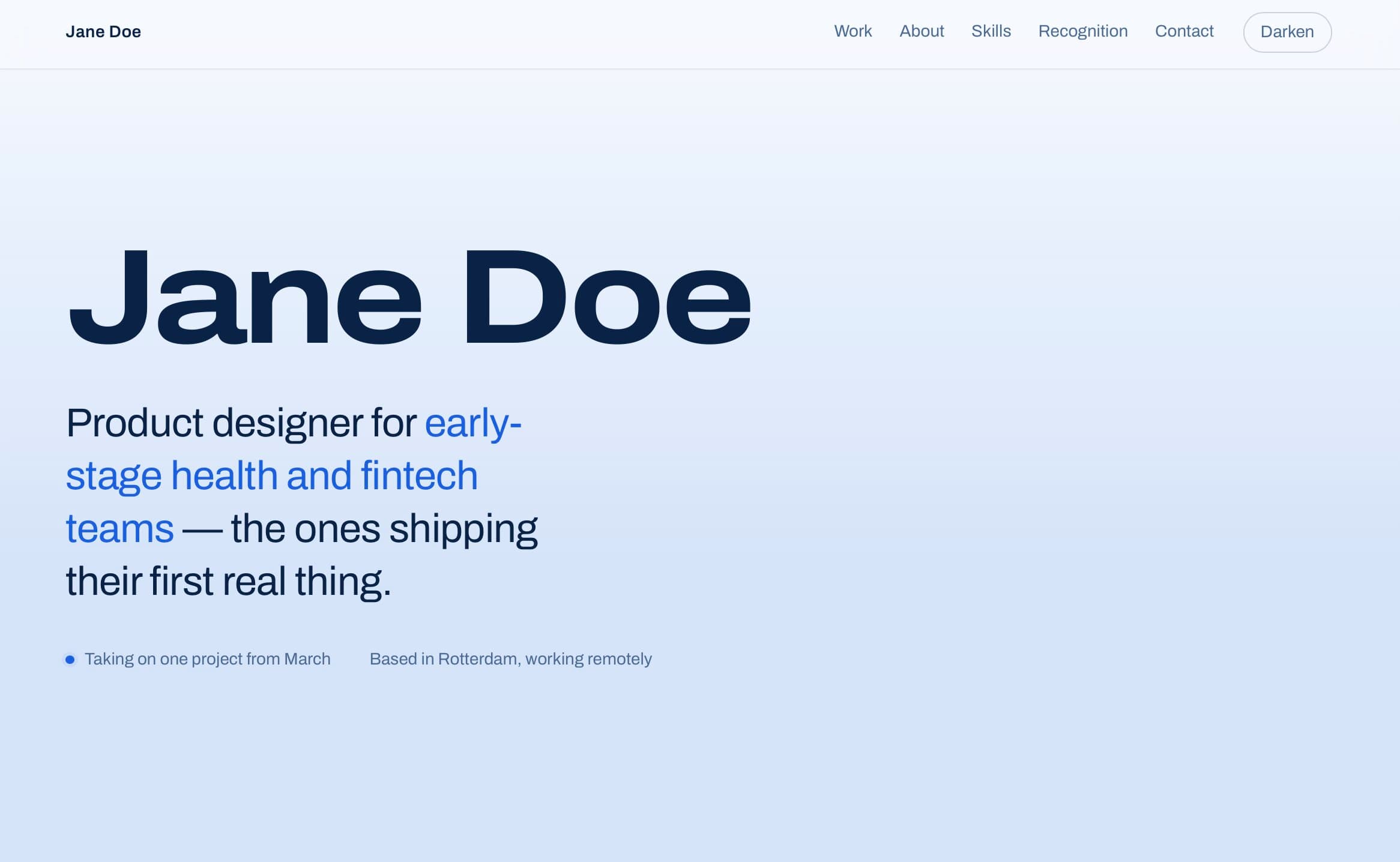 Portfolio24.4 KB
Portfolio one-pager
One page for your work — case studies with outcomes, skills and contact, and a light/dark switch.
Your site, online in the time it took to read this
Copy the résumé site template, choose a name, and send the link. Change the words whenever you like.