Share .tgz files
Share your TGZ file in one link
Drop your .tgz file, name the link and send it. They download the original in one click — no attachment limit, no shared-drive permissions, nothing converted along the way.
- One-click download of the untouched original
- No attachment limit, no 'request access'
- Replace it later and the same link shows the new version
Drop the TGZ file you want to share
Any other file works too — up to 25.0 MB, or 100.0 MB for a whole site
Why share a TGZ file as a link?
Zips are how you send lots of files together — and they're also what email filters are most suspicious of. A link delivers the archive as a one-click download, without the attachment limit and without the recipient needing access to a shared folder.
Usually you'd be sending it to a client, a colleague or anyone who needs a bundle of files at once. They don't need an account, and you don't need to know which app or device they'll open it on.
Message
just now
Here's the TGZ file 👇
Tap to download the original
Got it, opened fine on my phone 👍
On their side
What the person you send it to sees
They tap the link and the .tgz file (Gzipped tar archive) downloads straight away, exactly as you uploaded it, ready to open in tar or whatever they use for .tgz files.
What they need
- tar, on every Unix-like system
- macOS Finder, which unpacks it natively
- 7-Zip and WinRAR on Windows
- No account — the download starts from the link
Sending a TGZ file: link vs. the usual ways
What happens to a .tgz file when you email it, drop it in a chat or put it in a cloud drive — and what changes when you send a link instead.
Email attachment
Mail providers cap attachment size and block archives that contain certain file types.
Chat app
Chat apps flag or block archives, and cap their size well below what a bundle of files needs.
Cloud drive
Drives make recipients open a folder, request access and zip it themselves — or split big downloads.
A 99helpers link
The original file, byte for byte, at a link you choose. Password it, see how often it's opened, and replace it at the same link whenever you need to.
Sharing takes about ten seconds
- 1
Drop it
Drag your .tgz file onto the box, or pick it from your computer or phone.
- 2
Name the link
Choose the words: q3-report.99helpers.site reads better than a random string.
- 3
Send it anywhere
Paste the link into an email, a chat, a document, a bio or a QR code.
When people share archives like this
Delivering a project
Hand over every file in one download.
Sending a photo set
Bundle a shoot's selects into one link.
Sharing source code
Give people a project they can unpack and run.
Distributing assets
A single link to a press kit, a font pack or a template bundle.
What people send .tgz files for
- Source code releases
- Deployment bundles fetched by scripts
- Server backups
- Docker build contexts
Before you share your TGZ file
- Check what's inside before you send it — archives hide files easily.
- Keep it under the size limit; split very large sets into a few archives.
- Name the address after the contents (brand-assets, photos-march).
- Use a password for anything private.
Sending the link isn't the end of it
An attachment is gone the moment you press send. A link is still yours: you decide who can open it, what it shows and how long it stays.
Fix it after sending
Upload a corrected version to the same link. Everyone who has it sees the new one; old versions are kept.
Keep it private
Add a password so only the people you give it to can open the link.
Know it was opened
See how many times the link has been visited, so you're not left wondering.
Take it back
Delete it and the link stops working — something you can't do with an email attachment.
Sharing TGZ files: questions
How do I share a .tgz file?+
Drop it on this page, choose the words for your link, and publish. You get an address like your-name.99helpers.site to paste into an email, a chat, a document or a QR code. Whoever clicks it gets the file as a download.
Does the person I send it to need an account?+
No account is needed. They click the link and the file downloads; to open it they'll need tar or another app that reads .tgz files.
Can I share a TGZ file privately?+
Yes. Add a password when you publish and only people you give it to can open the link. You can also ask for a name and email before the file is shown.
What if I need to change the file after sending the link?+
Upload the new version to the same address. Everyone who has the link gets the update, and the previous versions are kept in case you need one back.
Can I share several TGZ files at once?+
Yes. Drop a folder or a .zip instead of a single file and everything goes out under one link, each file at its own address inside it. How much you can upload depends on your plan — the limits are on the pricing page.
Why share a zip as a link instead of attaching it?+
Mail providers limit attachment size and block archives that contain certain file types. A link avoids both — the recipient just clicks to download.
Can people see what's inside before downloading?+
Not from the archive itself. If you want the files browsable, drop the folder instead of the zip and each file gets its own address.
Sharing something else?
Want it online for good?
If the file should stay at a permanent public address — a download page, an embed, part of a site — see host a .tar.gz archive.
Start from a template
No file ready? Publish one of these as your own in a click — then replace the words with yours.
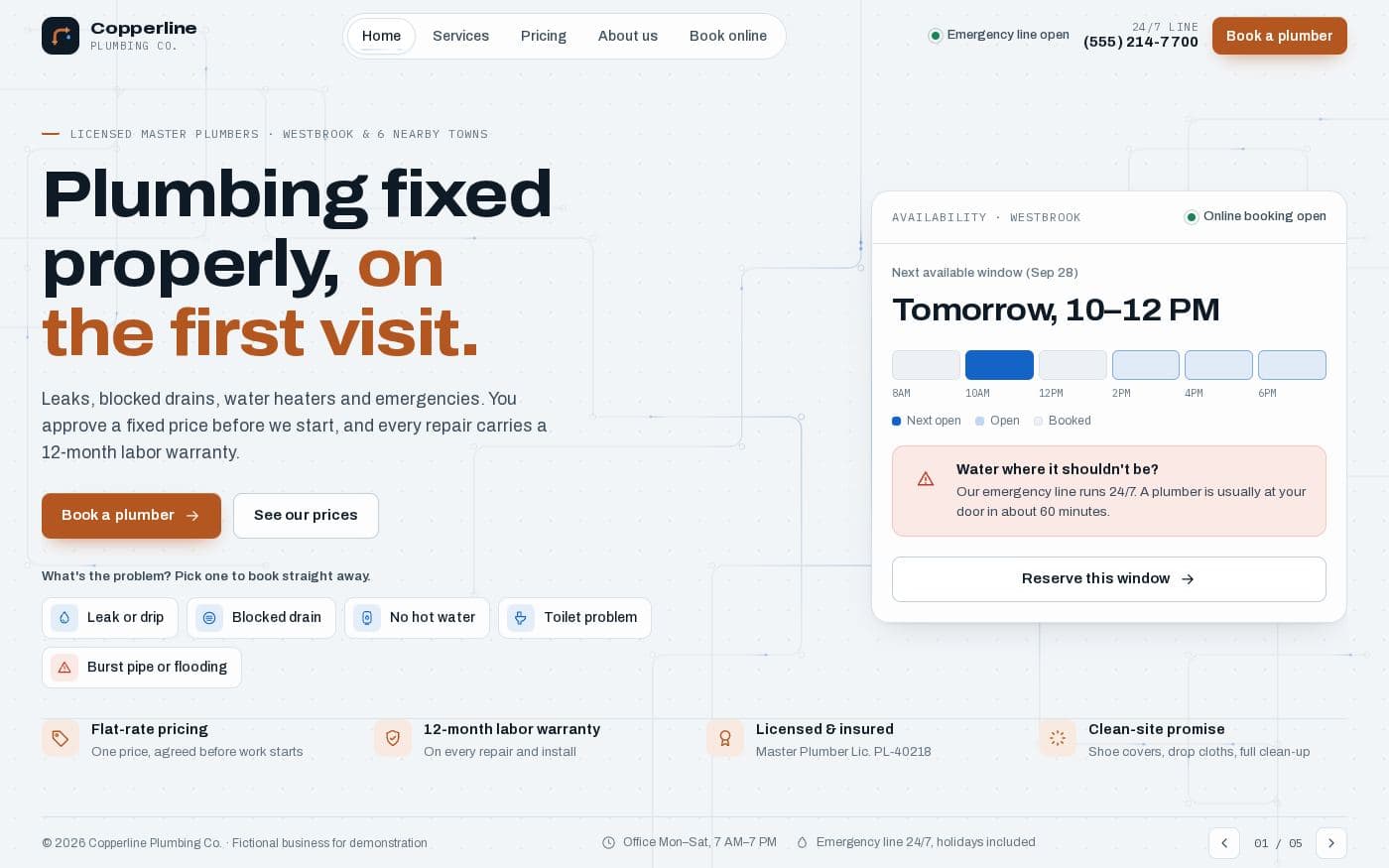 Small business81.3 KB
Copperline plumbing website
A complete small-business website in one file: services, flat-rate prices with an estimator, a service-area map and a booking flow.
 Portfolio24.4 KB
Portfolio one-pager
One page for your work — case studies with outcomes, skills and contact, and a light/dark switch.
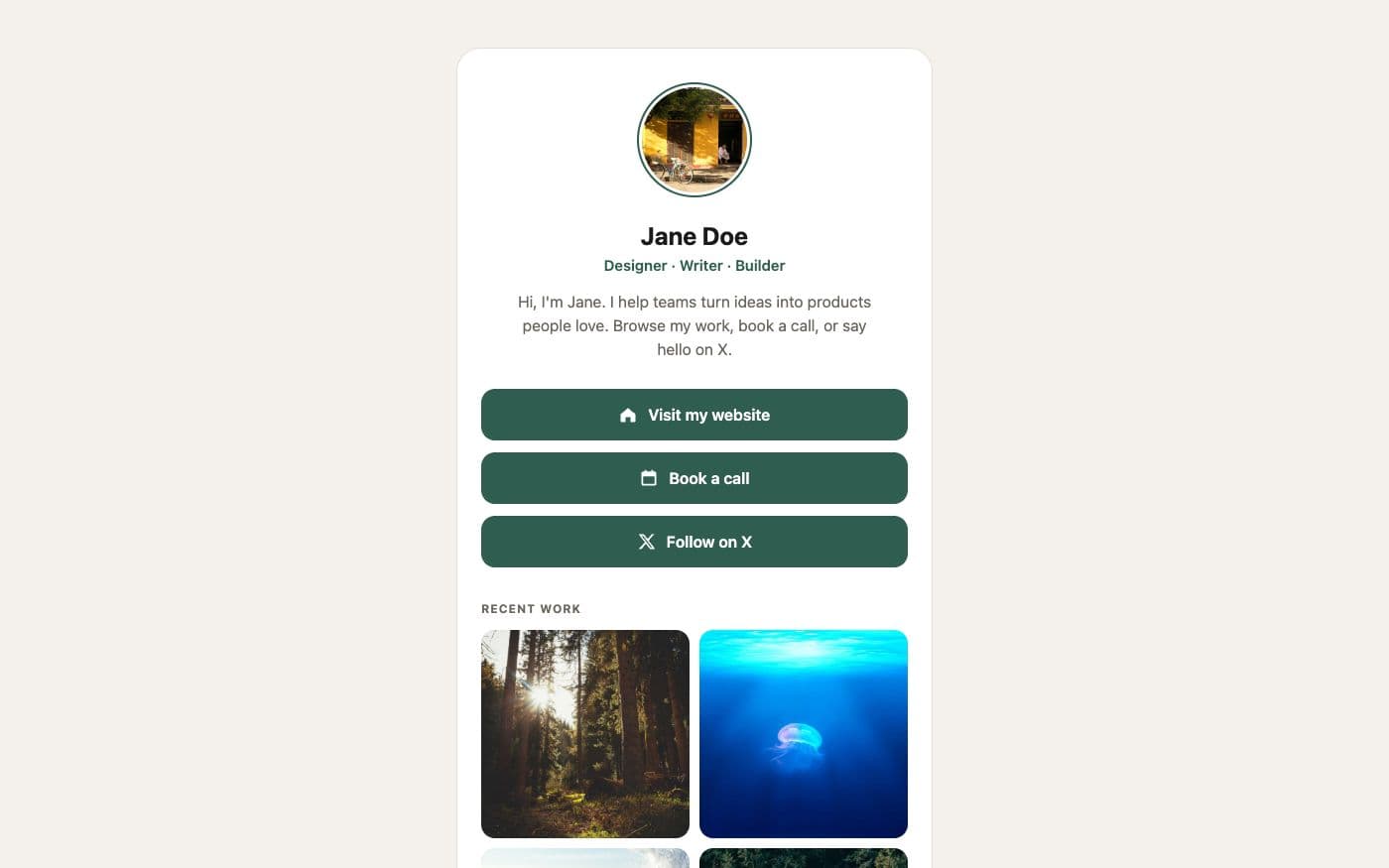 Link in bio4 files
Personal link page
A friendly card with your photo, three big buttons and a small gallery — the classic link-in-bio, without the subscription.
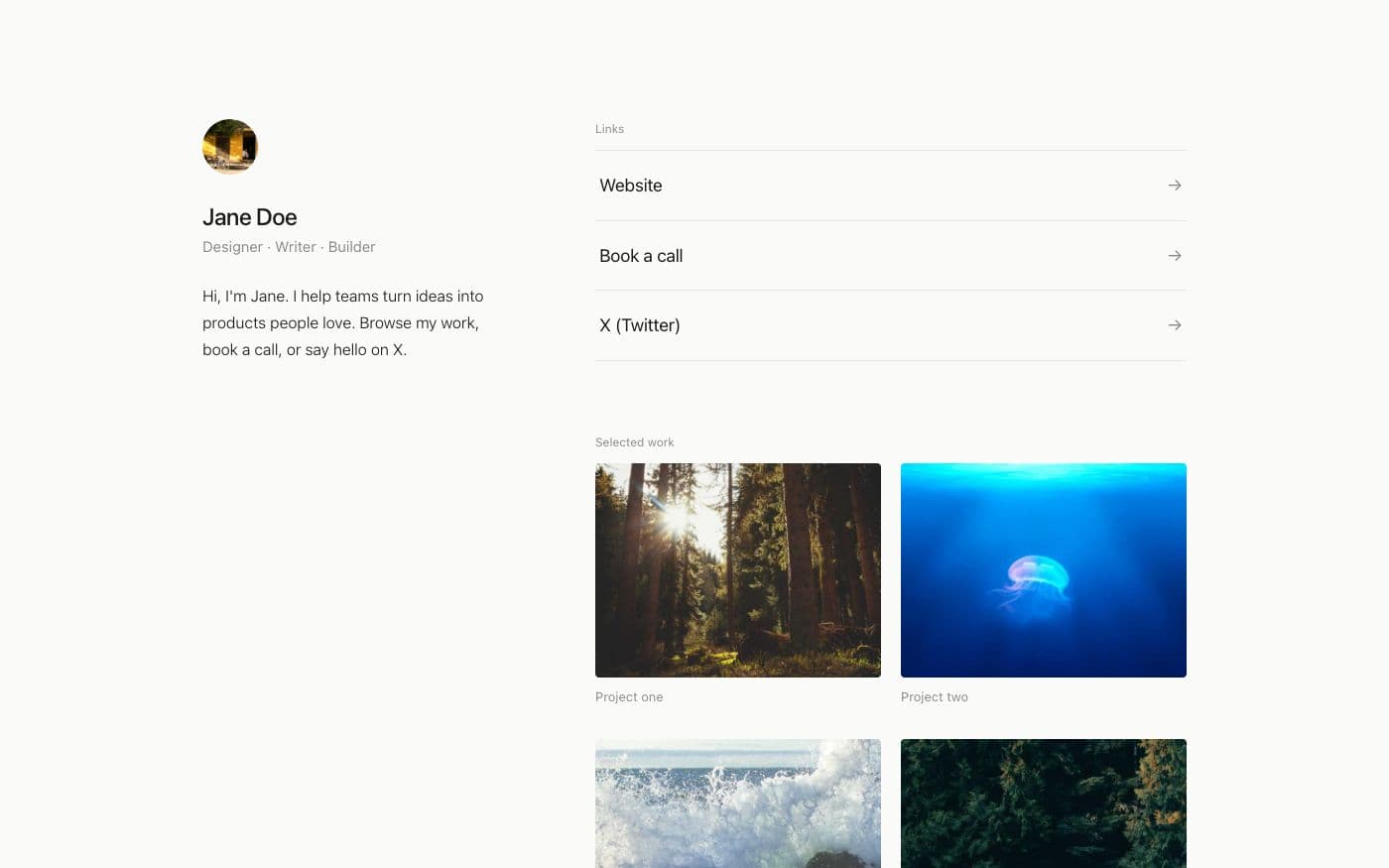 Link in bio4 files
Minimal link page
Whitespace, hairlines and one typeface. Links as quiet rows, work as a small grid — nothing else.
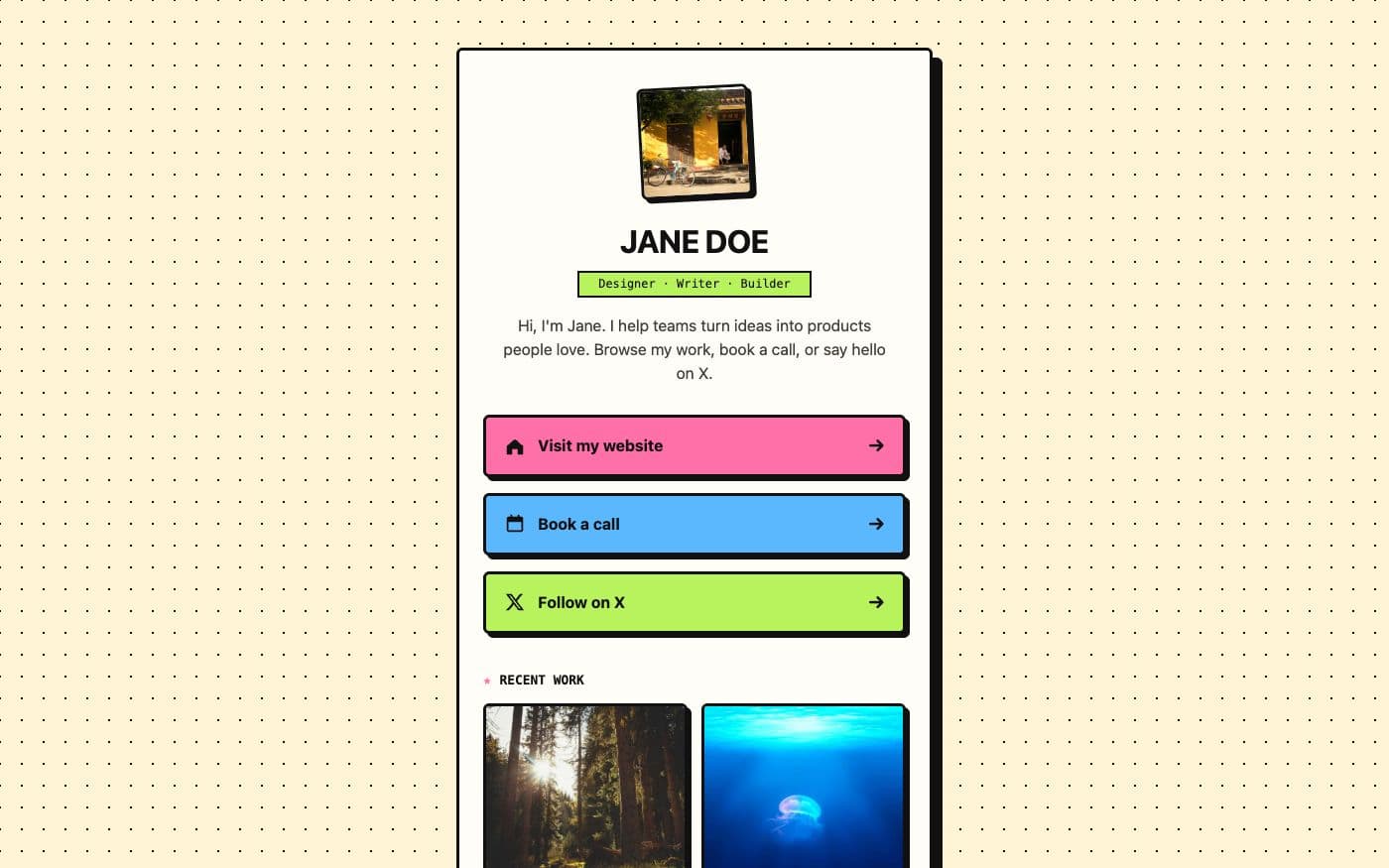 Link in bio4 files
Bold link page
Thick outlines, hard shadows and three colour-blocked buttons that press down when you click them.
 Link in bio4 files
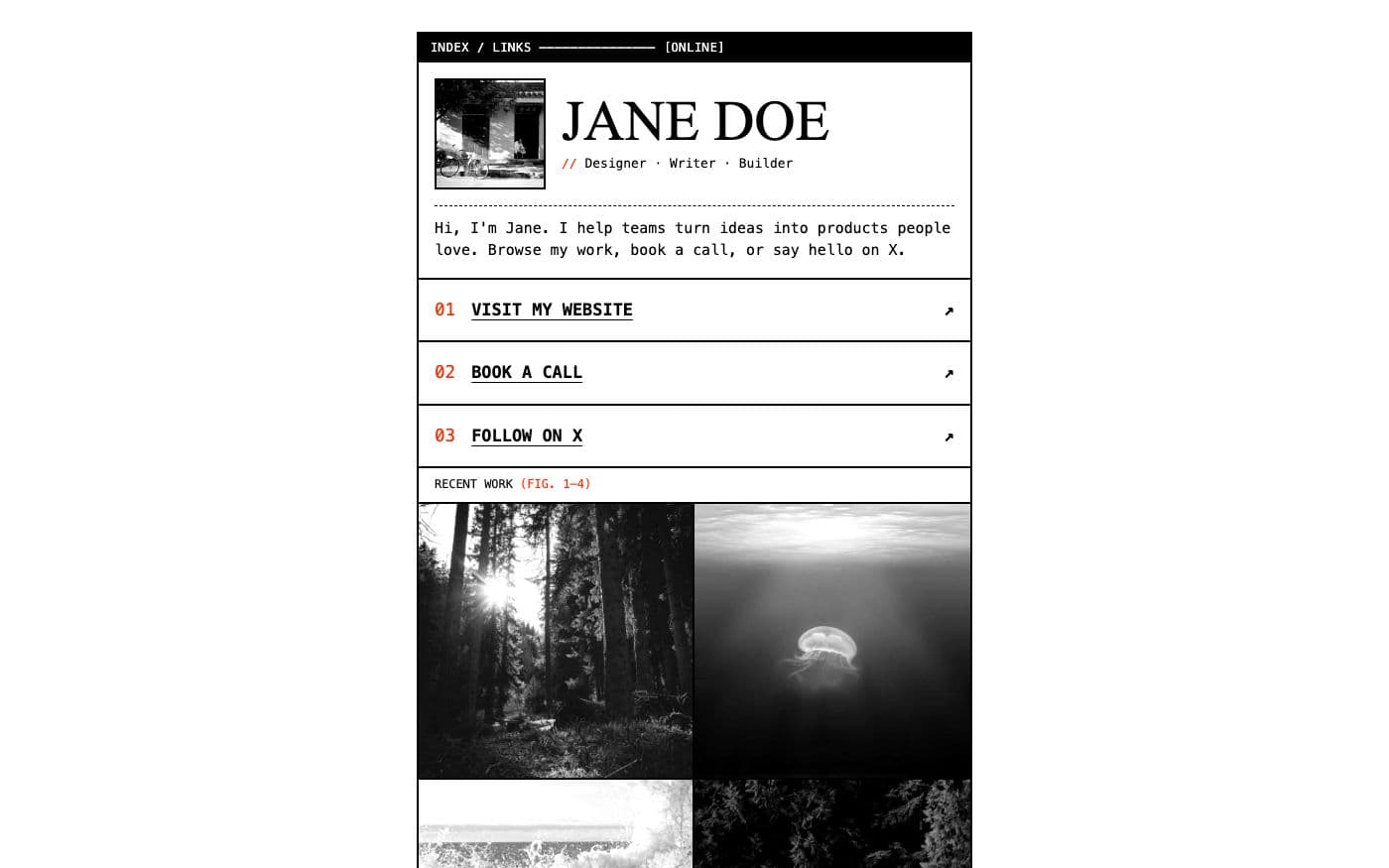
Brutalist link page
Black rules, system monospace, numbered links and greyscale photos that turn to colour on hover.
 Link in bio68.5 KB
Meridian sci-fi bio page
Your links as a starship crew terminal: a boot sequence, a wireframe landscape, a motion tracker and a command line that answers back.
 Link in bio102.3 KB
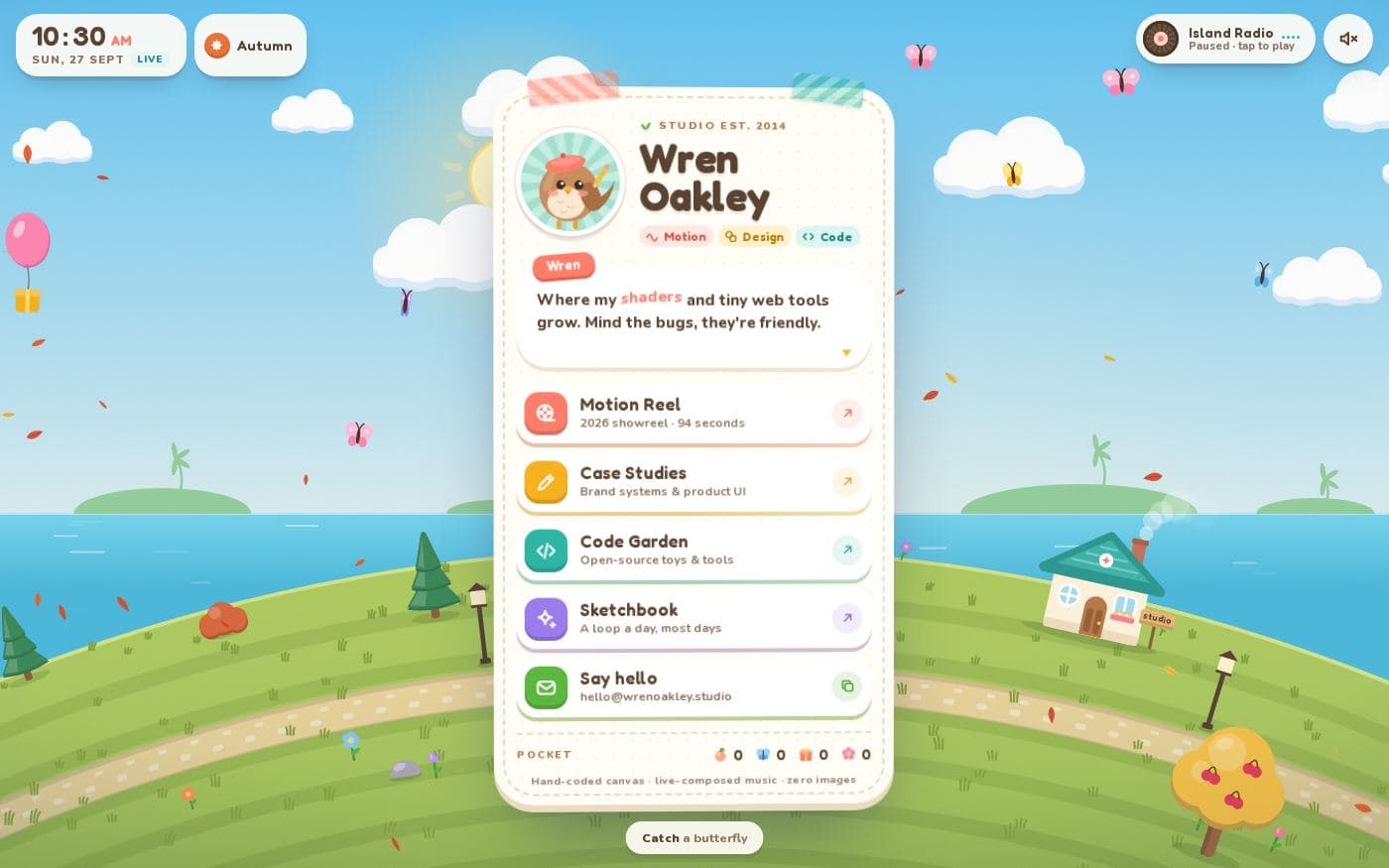
Wren's Island cozy bio page
Your links on a tiny living island: seasons, day and night, butterflies to catch, trees to shake and a radio that composes its own music.
 Link in bio65.0 KB
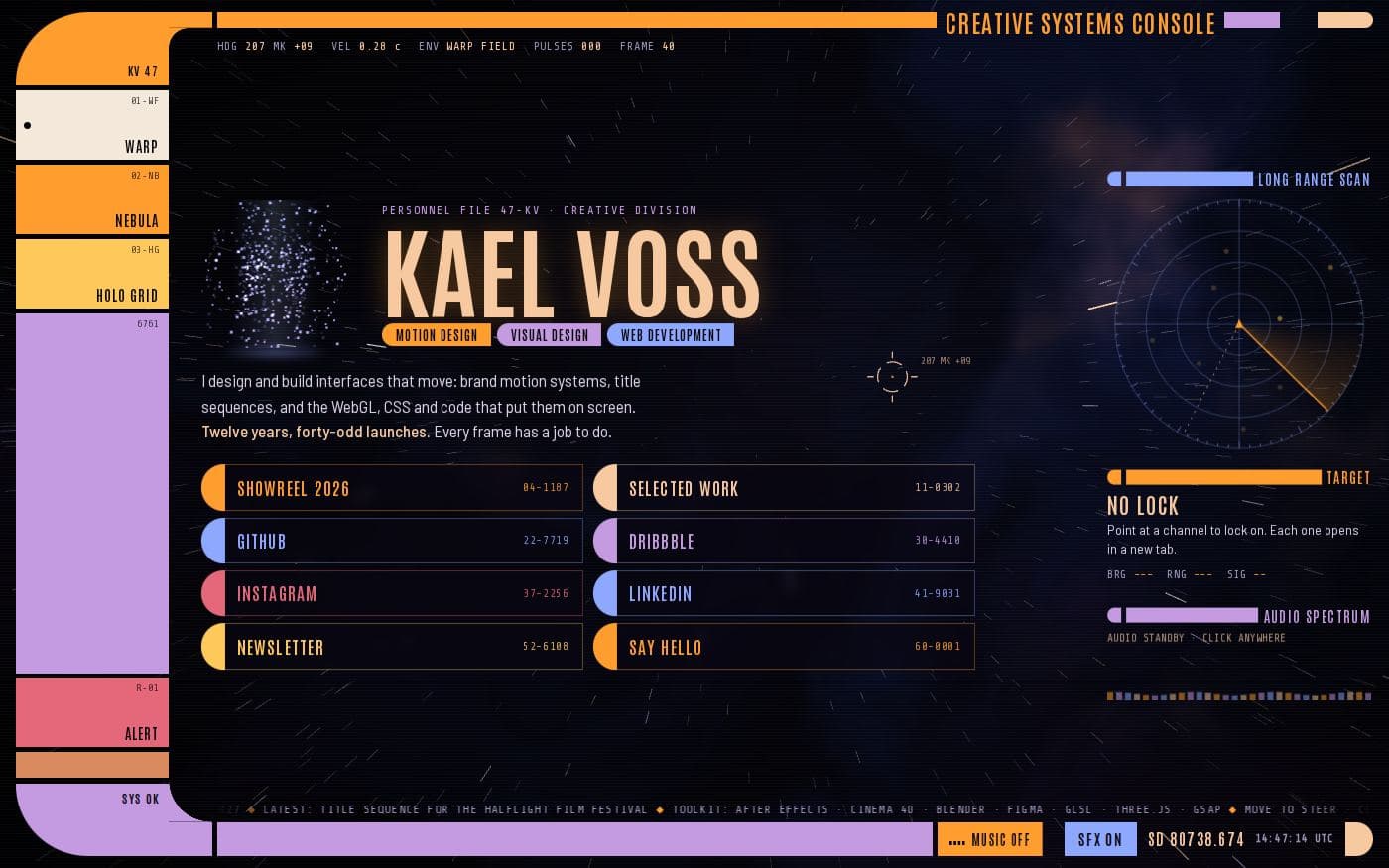
Kael Voss console bio page
Your links on a starship bridge console: three flyable space scenes, a hologram portrait, a radar that locks on to links and its own ambient score.
 Link in bio45.5 KB
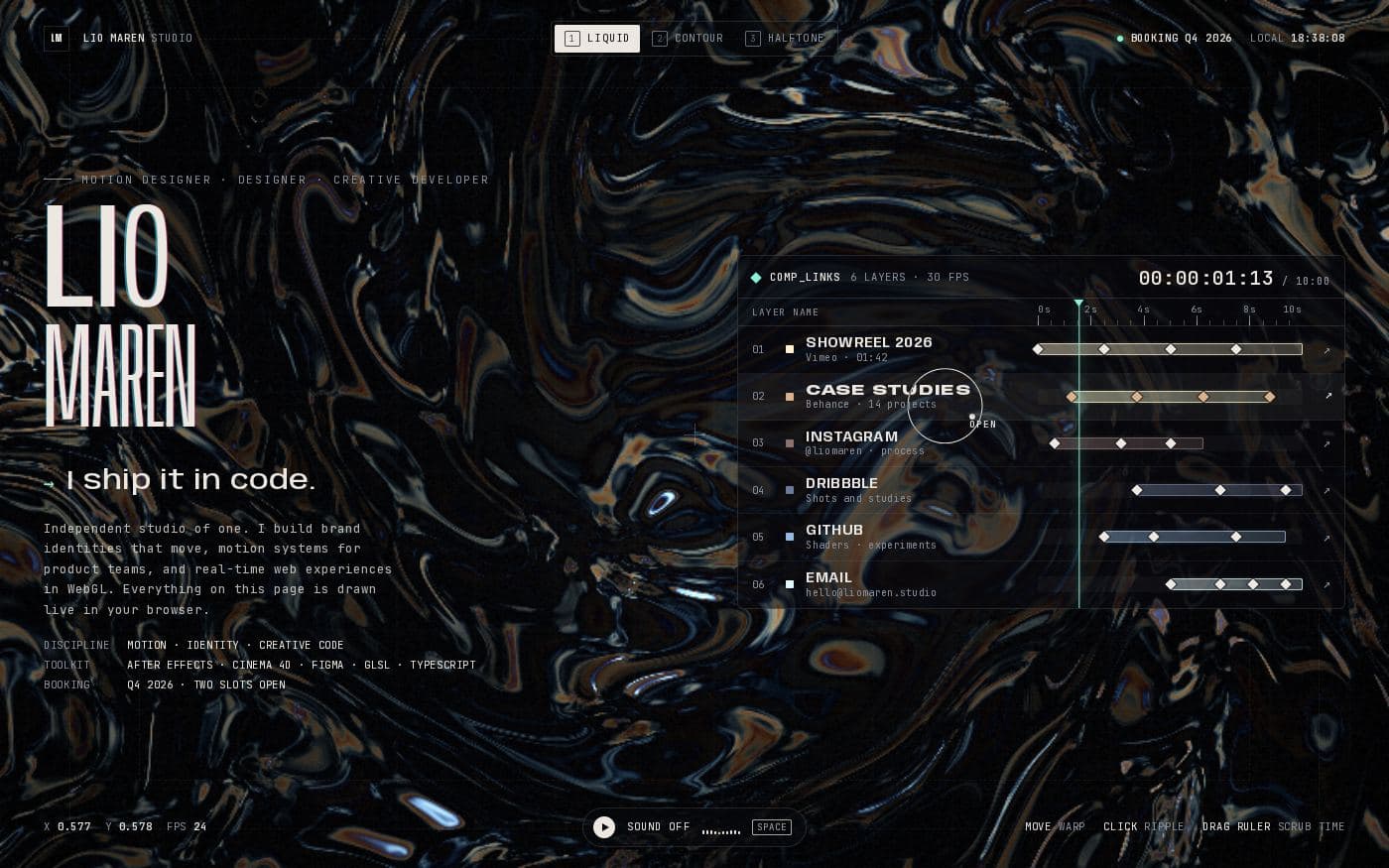
Lio Maren motion designer bio page
A link page laid out like an animation timeline: every link is a layer with keyframes, over a live shader you can switch between three looks.
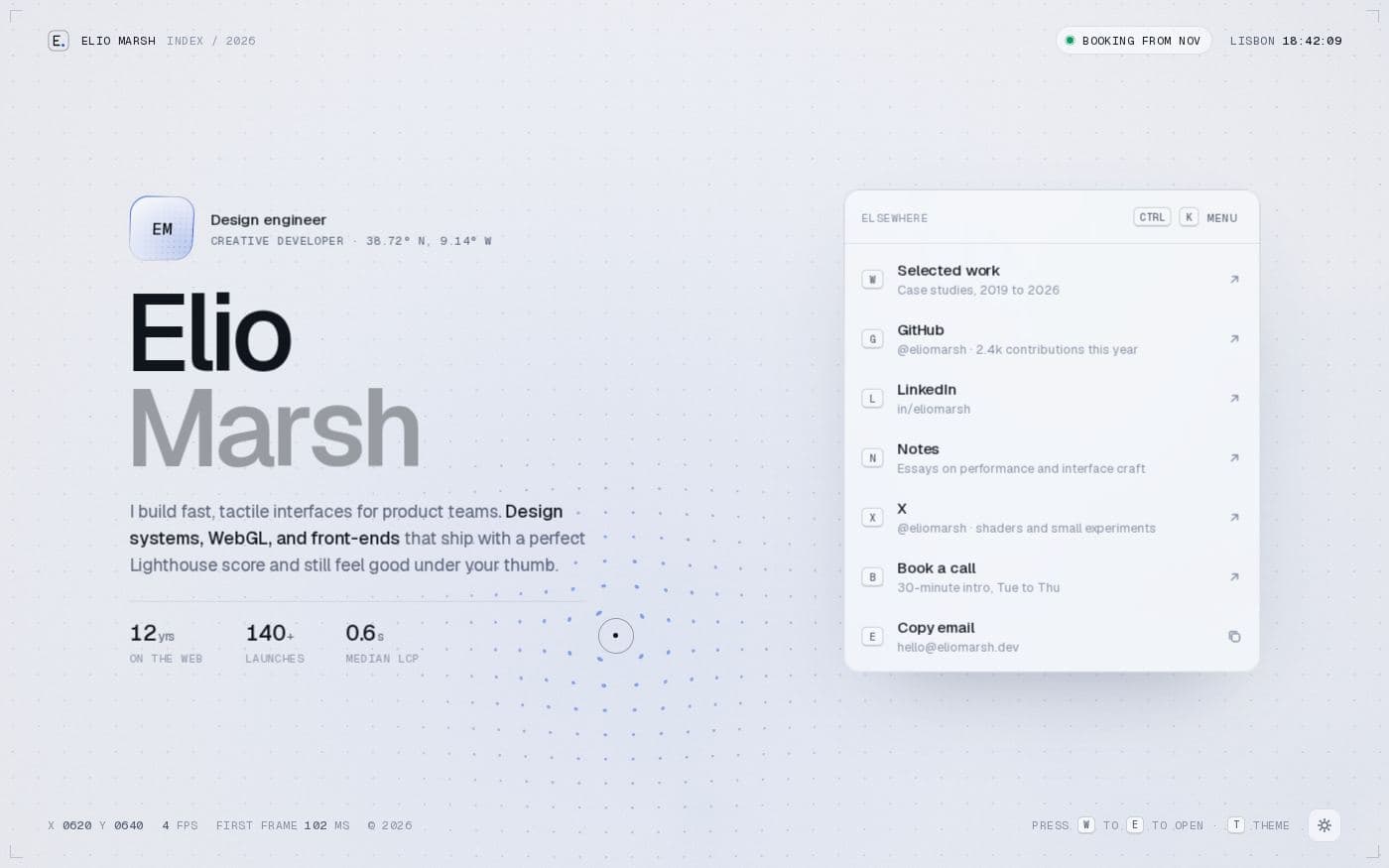 Link in bio46.4 KB
Elio Marsh design engineer bio page
A crisp, keyboard-first link page: a letter for every link, a command menu, light and dark themes and a subtle WebGL field.
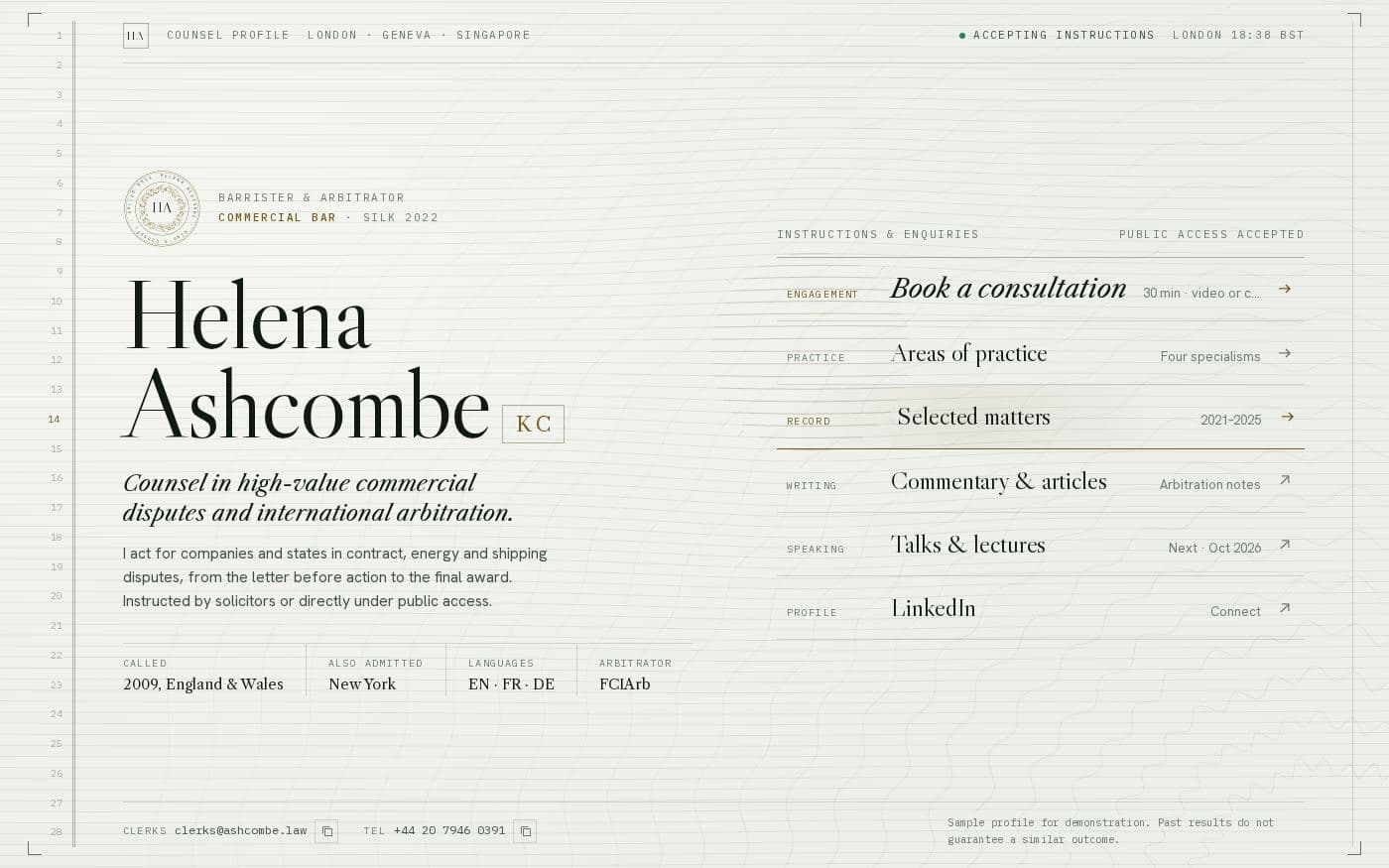 Link in bio43.0 KB
Helena Ashcombe barrister bio page
A counsel profile with the gravity of an engraved certificate: numbered margins, a guilloche seal, and drawers for practice areas, matters and consultations.