Static site4 files · 8.7 KB
Bold link page template
Thick outlines, hard shadows and three colour-blocked buttons that press down when you click them.
- Free to use
- Your own address
- Live in seconds
- Yours to edit
About this template
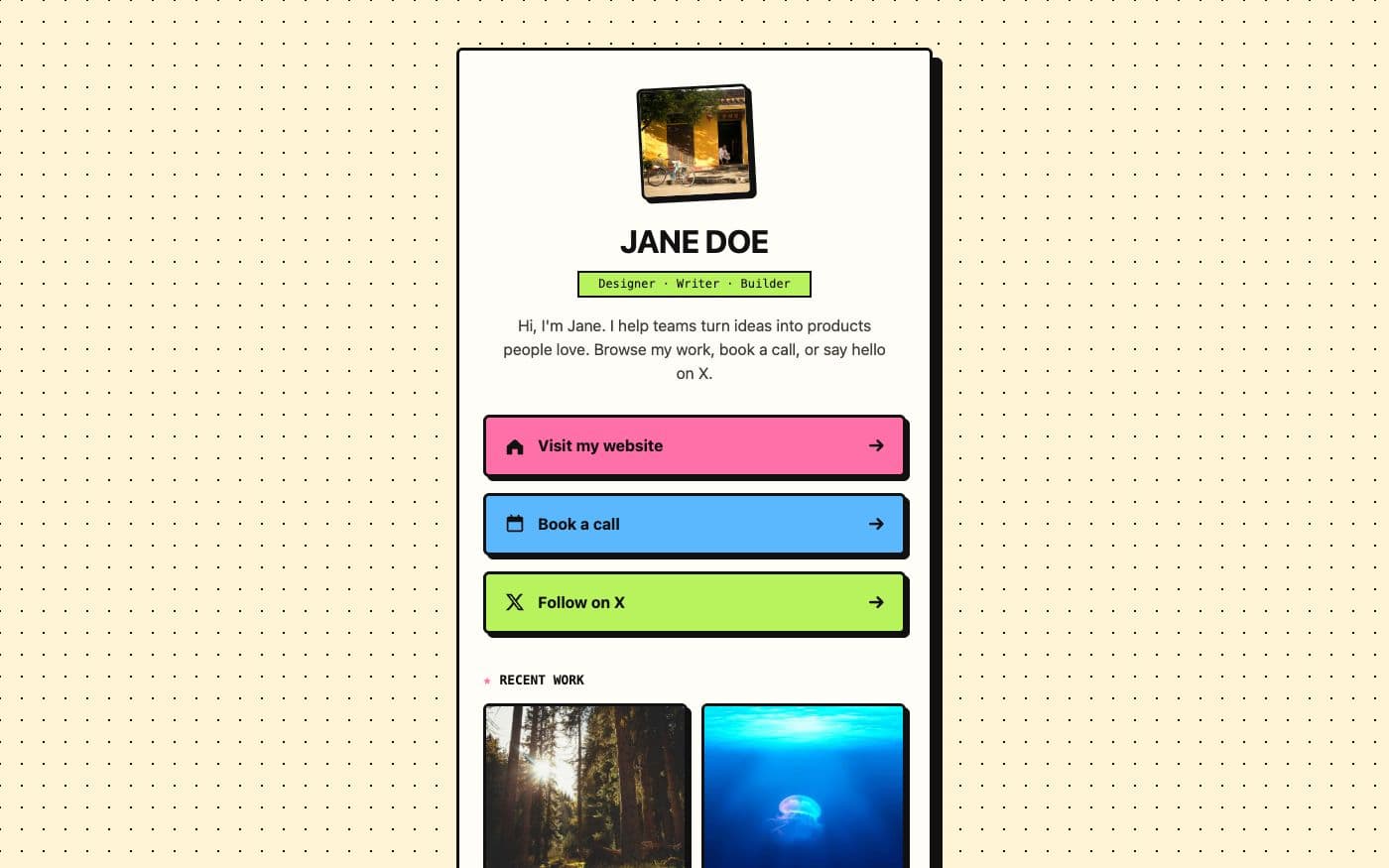
A link page with some attitude. A cream card with a thick black outline and an offset hard shadow sits on a dotted background; inside are a slightly tilted photo, your name in capitals, a tagline in a monospace label, and three buttons in pink, blue and lime that lift on hover and press down on click. A "Recent work" grid of four framed images follows, each one tilting slightly when hovered. Set in Space Grotesk and Space Mono, with a dark mode that keeps the bright buttons readable.
Who it is for. Creators, illustrators, musicians, indie makers and anyone whose brand is loud. It stands out in a feed of near-identical link pages and gives visitors something to click on for the fun of it.
What you change. Name, tagline, intro, photo, the three links and the four gallery images are all in config.js — one line each, with a comment above. The three button colours are --pink, --blue and --lime at the top of styles.css; each button picks one by its id, so recolouring or adding a fourth button is two lines. The card and shadow thickness are variables too.
Why host it. A page with this much personality should not carry someone else's logo. Here it lives at your-name.99helpers.site with nothing added, loads as four small files, and you can republish by dropping the folder in again whenever a link changes.
- link in bio
- bold
- neo-brutalist
- colourful
- creator
- links
What you get
- Format
- A static site of 4 files
- Page, styles, scripts and assets, with the links between them intact.
- Size
- 8.7 KB
- Copied inside our storage — nothing downloads to your computer unless you want it to.
- Your address
- my-links.99helpers.site
- Suggested — choose any free name when you publish.
How to use the bold link page template
- 1
Press “Use this template”
A copy of the bold link page is made for you — all 4 files of it — inside our storage. Nothing downloads, nothing to unzip.
- 2
Pick an address
Your copy lives at a name you choose on 99helpers.site, for example my-links.99helpers.site. If it's free, it's yours. Add a password here if the site is for a select few.
- 3
Publish, then make it yours
It's live in seconds. Open it, save the files to your computer, change the words, and drop the folder back in at the same address — the link never changes, and every earlier version is kept.
Hosting a site on 99helpers.com
A template is only useful once it's online. That part is what 99helpers.com does: any file or static site, at an address you choose, free.
Live in seconds
No build step, no server to set up, no FTP. Publish and the link works.
Your own address
A short, permanent name on 99helpers.site — easy to say out loud and to put on a card.
Update without changing the link
Publish again to the same address. Every version is kept; roll back in a click.
Password protection
Keep a page for a select few. Protected pages stay out of search results.
AI features, when you want them
Add a help bot, a help centre or a feedback form to any page from your dashboard.
- Everything about file hosting →
Questions about this template
- Can I change the button colours?
- Yes. The three colours are variables at the top of styles.css, and each button is assigned one by its id. Change a value, or give a new button its own colour.
- Will the bright colours work in dark mode?
- Yes. Dark mode darkens the background and card and keeps the button text dark on the bright fills, so they stay readable.
- Can I turn off the animations?
- Yes. Remove the animation and transition lines in styles.css. The page also respects the visitor's reduced-motion setting automatically.
- Is the bold link page template free?
- Yes. Copying it, giving it an address and sharing the link costs nothing. You create an account at the moment you publish — that's the only step that needs one.
- Do I keep the copy if the template changes later?
- Yes. Your copy is independent from the moment it's made. If we improve the template afterwards, your site stays exactly as you published it until you change it yourself.
- How do I edit the site after publishing?
- Open your copy, save it (the folder with all its files), edit it in any text editor, and publish it again to the same address. The old version is kept, so you can put it back in a click.
- Can I use my own domain?
- Your copy gets an address on 99helpers.site. That's a short, permanent link you can put anywhere. If you need it on your own domain, publish the files there with any static host — the template is plain HTML and has no dependency on us.
- Can I make it private?
- Yes. Set a password when you publish and visitors are asked for it before they see anything. Protected sites are also kept out of search results.
- What are the AI features?
- Once a site is live you can add a help bot that answers visitors' questions from its content, a searchable help centre, or a feedback form — without touching the site itself. They're optional and switched on from your dashboard.
More templates
All link in bio templates →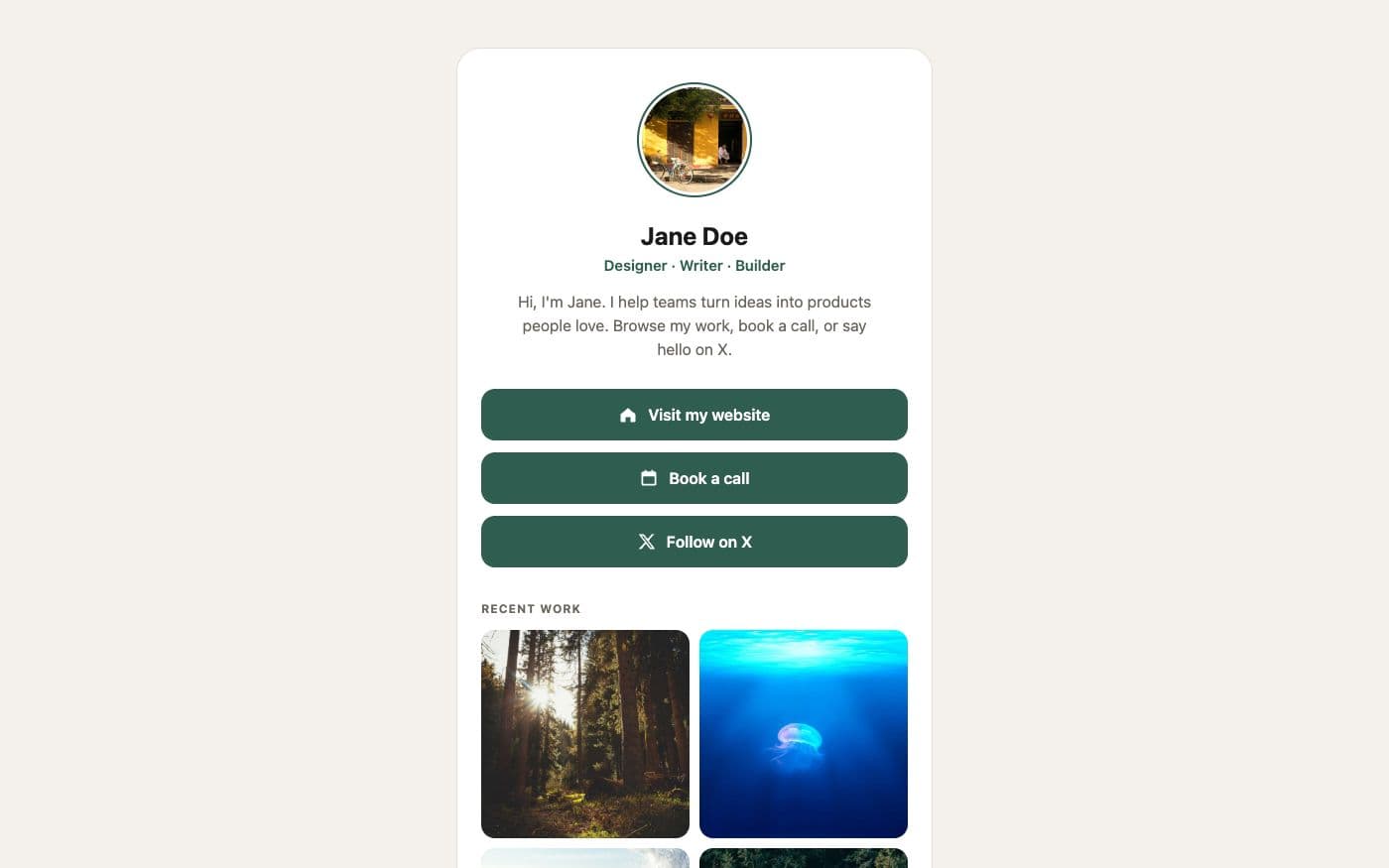 Link in bio4 files
Personal link page
A friendly card with your photo, three big buttons and a small gallery — the classic link-in-bio, without the subscription.
 Link in bio4 files
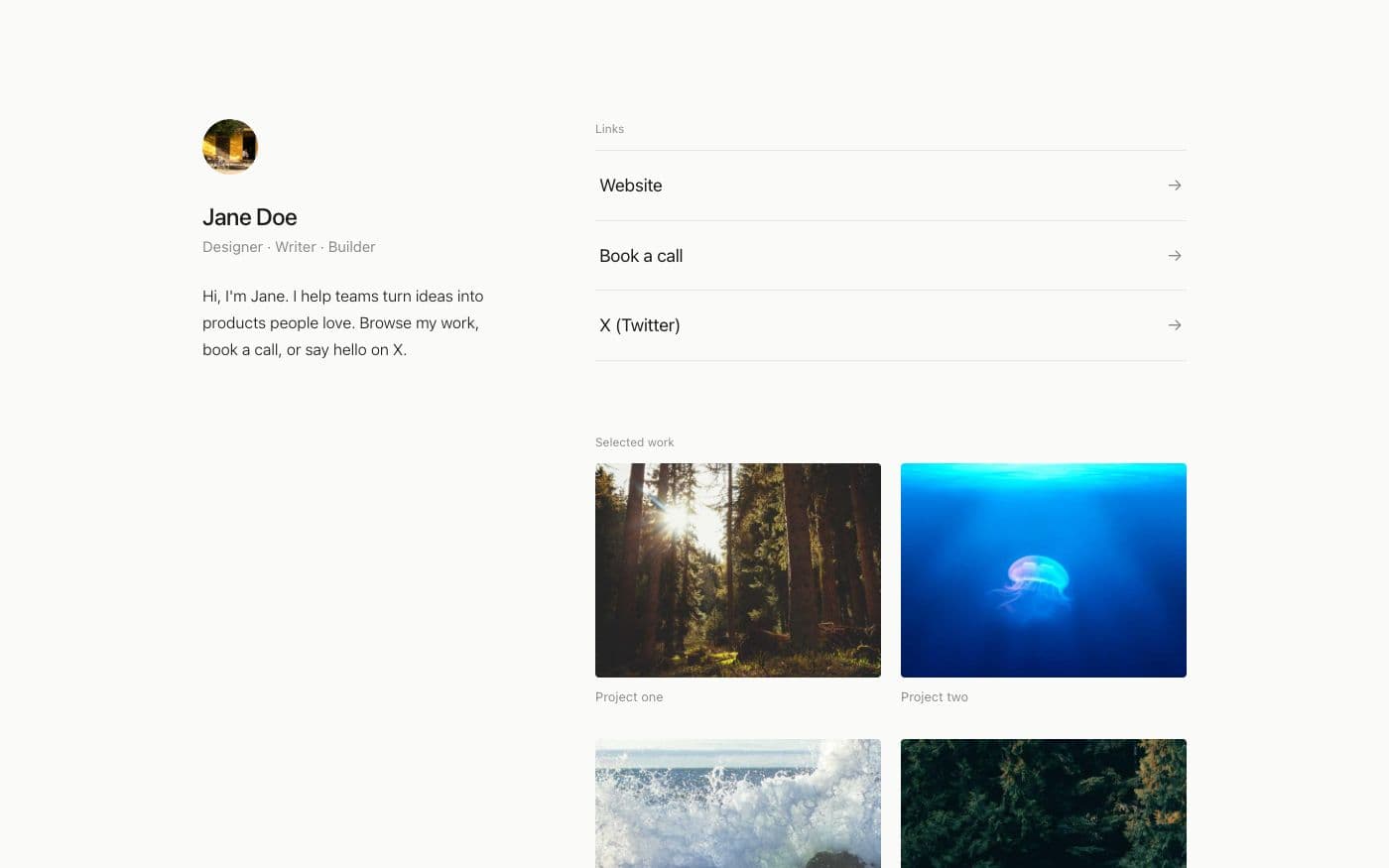
Minimal link page
Whitespace, hairlines and one typeface. Links as quiet rows, work as a small grid — nothing else.
 Link in bio4 files
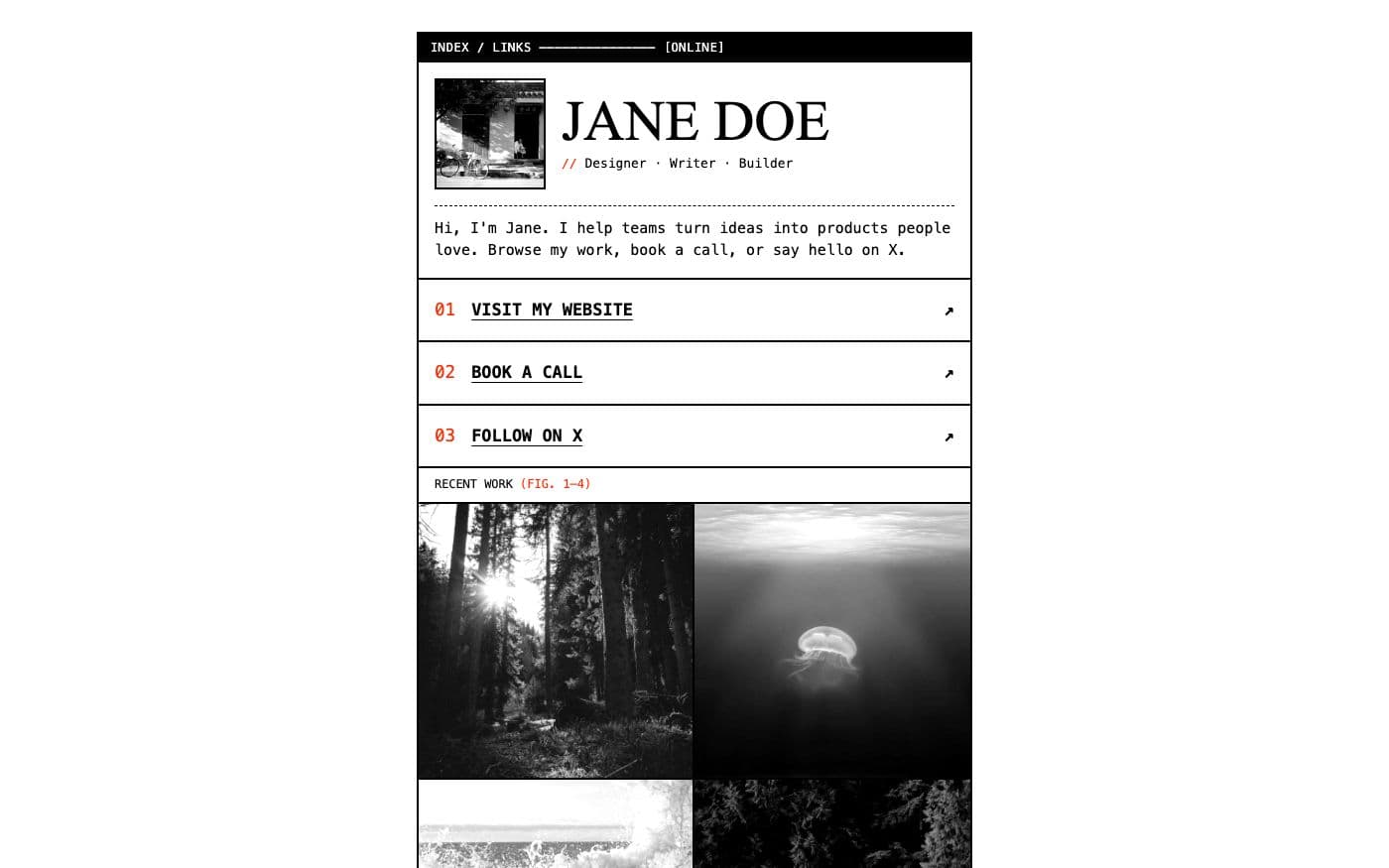
Brutalist link page
Black rules, system monospace, numbered links and greyscale photos that turn to colour on hover.
Your site, online in the time it took to read this
Copy the bold link page template, choose a name, and send the link. Change the words whenever you like.