The basics
What is an AVIF file?
AVIF stores a picture compressed with AV1, a video codec released in 2018 by the Alliance for Open Media, an industry group whose members include Google, Apple, Microsoft, Mozilla, Netflix and Amazon. A still AVIF image is, in effect, a single frame of AV1 video, wrapped in a container that also holds its size, colour information, transparency and metadata.
The container is HEIF, the same ISO standard Apple uses for HEIC photos, and the same box structure MP4 video files use. So AVIF and HEIC are close relatives: the difference is the codec inside. HEIC uses HEVC, which is covered by patent licences; AV1 was designed to be royalty-free, which is a large part of why every major browser adopted AVIF and none (apart from Safari) adopted HEIC.
AVIF is mostly used on websites, where image CDNs and frameworks send it to browsers that accept it because it's often the smallest option. Chrome has shown AVIF since version 85 (2020), Firefox since 93 (2021) and Safari since 16.1 (2022). Outside the browser, support is newer and patchier than for JPEG, PNG or even WebP.
Compared with older formats, AVIF adds:
- Smaller files. AOMedia cites tests by Netflix showing files more than 50% smaller than JPEG at similar quality. Results vary by image and encoder settings.
- More bits per channel. 10 and 12 bits as well as 8, which avoids banding in skies and gradients and makes HDR possible.
- Transparency and animation, like PNG and GIF, in the same format.
Anatomy
What's inside an AVIF file
An AVIF file is a series of boxes, the structure MP4 video files use. Each box starts with a 4-byte size and a 4-letter type, both big-endian, and some boxes contain other boxes. The picture itself is an item: a chunk of AV1 data in the mdat box, described by properties in the meta box. Here are the first bytes of sample-photo.avif and a map of every box in it.
00 00 00 20  66 74 79 70  61 76 69 66  00 00 00 00
61 76 69 66  6D 69 66 31  6D 69 61 66  4D 41 31 42

offset  box          size  contents
000000  ftyp           32  brand "avif"; also avif, mif1, miaf, MA1B
000020  meta          372  everything about the image except pixels
00002C    hdlr         33  handler "pict": this file holds pictures
00004D    pitm         14  the primary item is item 1
00005B    iloc         58  where each item's bytes sit in the file
000095    iinf        109  the items:
                             1  av01  "Color"  the picture
                             2  Exif           Exif metadata
                             3  mime  "XMP"    XMP metadata
000102    iref         40  items 2 and 3 describe (cdsc) item 1
00012A    iprp        106  properties, and which item has which
000132      ipco       75
00013A        ispe     20  1200 × 800 pixels
00014E        pixi     16  3 channels, 8 bits each
00015E        av1C     12  AV1 Main profile, 8-bit, 4:2:0
00016A        colr     19  nclx: BT.709 primaries, sRGB transfer
00017D      ipma       23  item 1 → properties 1, 2, 3 (essential), 4
000194  mdat       30,648  the data: Exif, XMP, then 29,883 bytes
                           of AV1 image data
end of file at 31,052 bytes- 1
00 00 00 20 66 74 79 70The ftyp box
A size of 32 bytes (
20hex), thenftypin ASCII. Every AVIF, HEIC and MP4 file starts with this box, so the first 4 bytes vary and the recognisable signature isftypat byte 4. - 2
61 76 69 66 … 4D 41 31 42Brands
The major brand
avifsays what the file is. The compatible brands list what else it conforms to:mif1(a HEIF image),miaf(the stricter MIAF profile of HEIF) andMA1B, the AVIF Baseline profile. An Advanced-profile file saysMA1A; an animation has major brandavis. - 3
meta → hdlr, pitmThe meta box
Holds everything about the images but not the image data.
hdlrsays the items are pictures (pict) andpitmnames the primary item: the one a viewer shows. A file can hold several images; only one is primary. - 4
iinf: av01, Exif, mimeThe items
Item 1 is the picture, coded as AV1 (
av01). Items 2 and 3 are Exif and XMP metadata, linked to the picture bycdsc("content describes") references iniref. In the transparent sample there's also anAlphaitem: a second AV1 image that holds only the transparency. - 5
ilocThe item locations
For each item, the offset and length of its bytes. That's how a decoder finds the AV1 data without reading the file from start to end.
- 6
ispe, pixi, av1C, colrItem properties
Width and height (
ispe), channels and bit depth (pixi), the AV1 decoder settings (av1C: Main profile, 8-bit, 4:2:0) and the colour description (colr).nclxmeans standard code points, here BT.709 primaries with the sRGB transfer curve; acolrcan also hold an ICC profile. - 7
ipmaProperty associations
Links each item to its properties by number. A property marked essential must be understood or the item can't be shown: here the
av1Cdecoder configuration. - 8
mdatThe media data
The raw bytes of every item: the Exif block (starting with a 4-byte offset and
Exif\0\0), the XMP text, and 29,883 bytes of AV1 data, 96% of the file. The AV1 data is a series of OBUs (open bitstream units): a sequence header, then the coded frame.
Under the hood
How AVIF stores an image
There are two layers to an AVIF file: the AV1 compression, which turns pixels into a small bitstream, and the HEIF container, which says what each bitstream is and how to put the picture together.
- 1Colour conversion. RGB pixels are usually converted to brightness and colour (YUV), and the colour is often stored at half the width and height (4:2:0), as in JPEG and lossy WebP. Unlike lossy WebP, AVIF can also keep full-resolution colour (4:4:4).
- 2Prediction in flexible blocks. The image is split into blocks from 4 × 4 up to 128 × 128 pixels, sized to fit the content. Each block is predicted from pixels already decoded, using one of many directional patterns, and colour can be predicted from brightness ("chroma from luma"). Only the difference from the prediction is coded.
- 3Transform and quantise. The differences go through one of several transforms and are rounded according to the quality setting. This is the lossy step.
- 4Clean-up filters. Deblocking, CDEF (a filter that smooths ringing along edges) and loop restoration reduce visible artefacts before the image is shown.
- 5Entropy coding packs the result into as few bits as possible.
The container then describes the result as items with properties. Transparency is not part of the colour image: it's a second, greyscale AV1 image marked as an auxiliary alpha item (urn:mpeg:mpegB:cicp:systems:auxiliary:alpha). Very large pictures are split into tiles and joined by a grid item. Animations add an MP4-style track (moov) of frames alongside the still primary image, so viewers that can't animate show a single frame.
Why encoding is slow
All that choice (block sizes, prediction modes, transforms) is why AV1 compresses well, and also why encoding takes far longer than JPEG or WebP. Encoders have a speed setting that trades file size for time. Decoding is faster, but still uses more CPU than JPEG.
Variants
Lossy, lossless, transparent, HDR and animated AVIF
Every kind of AVIF has the same .avif extension; the boxes inside show which one you have. Our samples, side by side:
| Sample | Kind | What gives it away | Size |
|---|---|---|---|
sample-photo.avif | Lossy, 8-bit, 4:2:0 | av1C 8-bit 4:2:0; brand MA1B | 31,052 bytes |
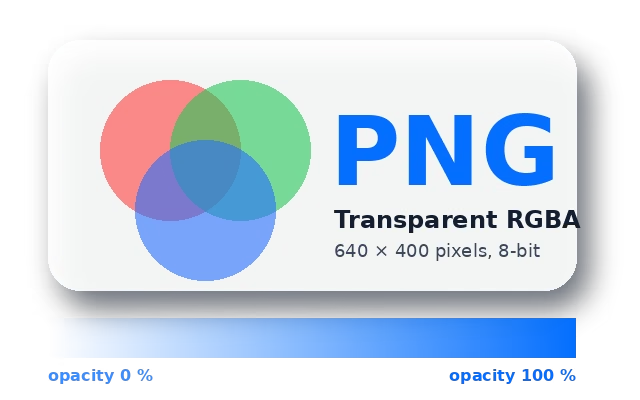
sample-transparent.avif | Lossy with alpha | A second av01 item with an auxC alpha property | 9,453 bytes |
sample-lossless.avif | Lossless, 4:4:4 | colr matrix 0 (RGB stored directly); brand MA1A | 35,876 bytes |
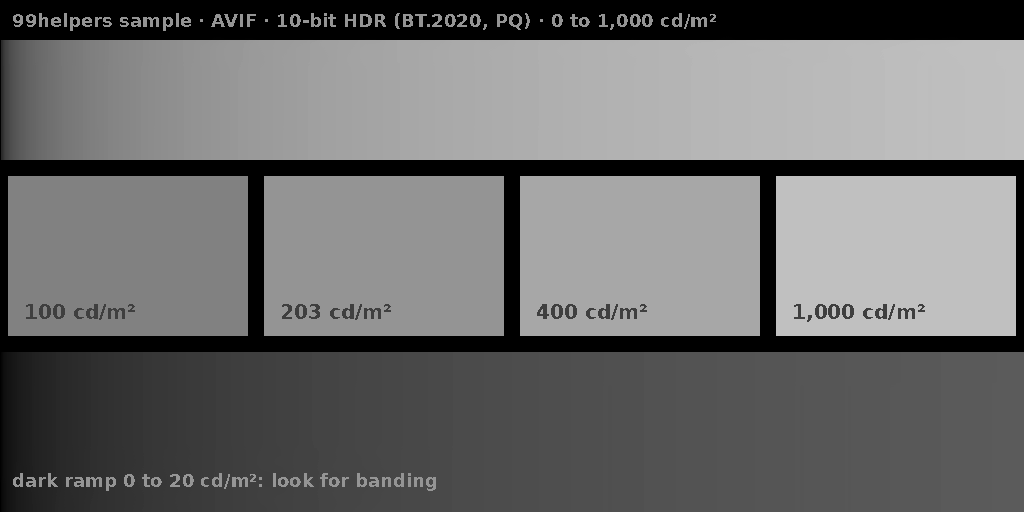
sample-hdr-10bit.avif | 10-bit HDR | pixi 10 bits; colr primaries 9 (BT.2020), transfer 16 (PQ) | 2,323 bytes |
sample-animated.avif | Animation, 20 frames | Major brand avis; a moov box with one track | 7,993 bytes |
AVIF defines two profiles. Baseline (MA1B) uses AV1's Main profile: 8 or 10 bits, 4:2:0 or greyscale, up to 8,192 × 4,352 pixels per coded image. Advanced (MA1A) uses AV1's High profile, which adds 4:4:4, up to 16,384 × 8,704. Our lossless and HDR samples use 4:4:4, so they're Advanced. Larger images use a grid in either profile.
HDR and colour
The colr box describes colour with four numbers from the same standard video uses (CICP): primaries, transfer curve, matrix and range. Transfer 16 is PQ and 18 is HLG, the two HDR curves used by HDR TV. Version 1.2.0 of the specification (December 2025) added guidance on gain maps, which let one file show a normal image on ordinary screens and a brighter HDR version on HDR screens, and a way to store more than 12 bits per channel.
Comparison
AVIF vs WebP, JPG, PNG and HEIC
| AVIF | WebP | JPG | PNG | HEIC | |
|---|---|---|---|---|---|
| Lossy | Yes | Yes | Yes | No | Yes |
| Lossless | Yes, but often larger than PNG | Yes | Rarely supported | Yes | Rarely used |
| Transparency | Yes | Yes | No | Yes | Yes |
| Animation | Yes | Yes | No | Yes (APNG) | Yes |
| Bits per channel | 8, 10, 12 | 8 | 8 (usually) | Up to 16 | 8, 10 (more is possible) |
| HDR | Yes | No | No (gain-map extensions exist) | Yes, since 2025 | Yes |
| Browsers | All current | All current | All | All | Safari only |
| Royalty-free | Yes | Yes | Yes | Yes | No (HEVC) |
Our three versions of the same 1200 × 800 synthetic landscape: sample-photo.jpg on the JPEG page is 122,872 bytes at quality 85, sample-lossy.webp on the WebP page is 38,594 bytes at quality 80, and sample-photo.avif here is 31,052 bytes at quality 60. Quality numbers don't mean the same thing across encoders, so this isn't a like-for-like test, but it shows the usual order.
For the transparent artwork shared with our PNG and WebP pages, lossy AVIF is 9,453 bytes against 19,672 for lossy WebP and 33,653 for PNG. Lossless is a different story: the same artwork on a white background is 35,876 bytes as lossless AVIF, more than the PNG with its transparency. For exact copies of graphics, PNG or lossless WebP usually win.
- Use AVIF for photos and large images on your website, with a JPEG or WebP fallback for older software.
- Use WebP when encoding speed matters, or for lossless graphics on the web.
- Use JPG or PNG for files people will download, edit, print or send on.
Troubleshooting
Why won't my AVIF open, or why does it look smudged?
- It won't open on Windows. Photos and Paint need Microsoft's free AV1 Video Extension from the Microsoft Store. Many PCs already have it.
- An older app or website rejects it. Plenty of upload forms and desktop apps still only accept JPEG, PNG and GIF. Convert to JPEG (below), or check whether the app has an update.
- Fine texture looks smoothed over. At low quality settings AV1 tends to blur fine detail such as skin, grass and film grain rather than producing blocks the way JPEG does. Raise the quality, or use 4:4:4 for images with text.
- The animation doesn't play. Firefox showed only still AVIF images until version 113; older apps and many image libraries still show only the first frame.
- Colours or brightness look wrong. HDR AVIFs look different on HDR and standard screens, and apps that ignore the
colrbox can shift colours. Oursample-hdr-10bit.avifmakes this visible. - Encoding takes ages. Use a faster speed setting (for example
avifenc -s 8), at the cost of a slightly larger file.
How to
How to open, edit and convert an AVIF file
- Open it: drag it into any current browser. Windows Photos and Paint open it with the AV1 Video Extension; macOS Preview and Photos open it on macOS 13 Ventura and later; iPhones from iOS 16 and Android phones from Android 12.
- Edit it: GIMP, Krita, recent versions of Photoshop and many online editors open AVIF. Keep a PNG or TIFF master if you'll edit repeatedly, as each lossy save loses a little more.
- Convert to AVIF:
avifenc photo.jpg photo.avif(from libavif, with-qfor quality and-sfor speed);magick photo.png photo.avifwith ImageMagick 7;ffmpeg -i in.png -c:v libaom-av1 -still-picture 1 out.avif; or Squoosh in the browser. - Convert from AVIF:
avifdec photo.avif photo.png,magick photo.avif photo.jpg, or File > Export in Preview. - Inspect it:
avifdec --info photo.avifprints the size, depth, YUV format and colour settings;exiftoolshows Exif and XMP.
On a web page, offer AVIF with a fallback, and the browser takes the first format it supports:
<picture>
  <source srcset="photo.avif" type="image/avif">
  <source srcset="photo.webp" type="image/webp">
  <img src="photo.jpg" alt="A lake at sunset" width="1200" height="800">
</picture>
Security
Privacy and security
An AVIF can't run code. The things to watch are the same as for other photo formats:
- Metadata. AVIF can carry Exif and XMP items, including GPS coordinates, camera details and dates, which viewers don't show. Many converters copy them from the source JPEG. Check with
exiftooland strip withexiftool -all= photo.avif, or with your encoder's option to drop metadata. - Decoder bugs. AV1 decoders are large, complex programs, and image decoders are a known attack route (see the 2023 libwebp vulnerability on our WebP page). Keep browsers and image libraries updated.
- Huge images. A small file can declare a grid of many tiles that needs a lot of memory once decoded. Servers that process uploads should check dimensions before decoding.
Free downloads
Sample AVIF files to download
Free sample AVIF files covering lossy, lossless, transparency, 10-bit HDR and animation, for testing uploads, decoders, converters and size limits. Each one decodes in Pillow (libavif) and FFmpeg.
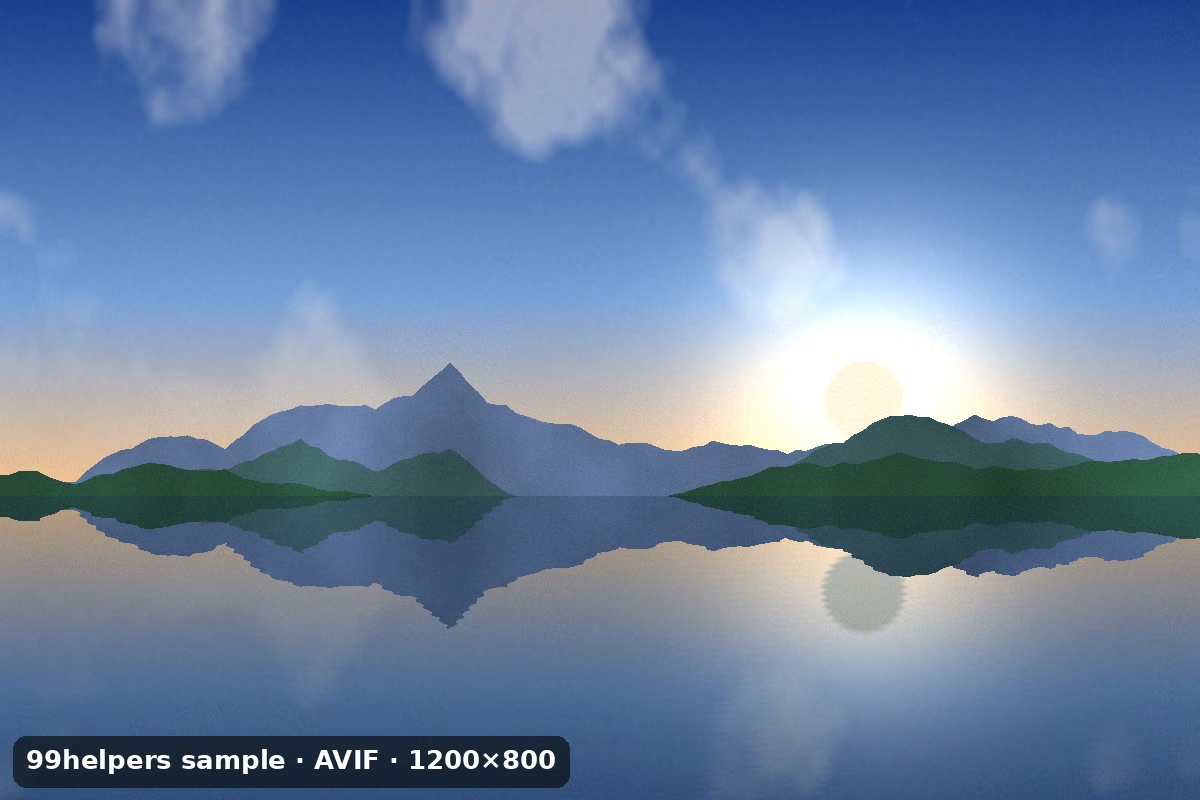
What's inside sample-photo.avif
sample-photo.avif is a 1200 × 800 photo-style image saved lossy, with metadata. Open it with avifdec --info, exiftool or a hex editor to find these parts.
ftyp: avif, mif1, miaf, MA1B
A still AVIF image that also follows HEIF, MIAF and the AVIF Baseline profile, so any Baseline decoder can show it.
Three items
The AV1 picture (
Color), an Exif block and an XMP packet. Thepitmbox makes the picture the primary item.av1C: Main profile, 8-bit, 4:2:0
The decoder settings. Colour is stored at 600 × 400, half the size in each direction.
colr: nclx 1 / 13 / 6, full range
BT.709 primaries and the sRGB transfer curve, the same colours as a normal sRGB JPEG, with the BT.601 matrix used to convert to YUV.
Exif and XMP
A description, software, artist (
Ada Example, fictional) and a copyright line pointing to this page.AV1 data: 29,883 bytes
The same synthetic landscape as our JPEG and WebP samples, at libavif quality 60. Uncompressed, it would be 2,880,000 bytes, so the AVIF is about 1% of that.
All sample AVIF files
AVIF photo (lossy)
sample-photo.avif · 30.3 KB (31,052 bytes)
A 1200 × 800 synthetic landscape, 8-bit 4:2:0 at quality 60, with Exif and XMP items. The same scene as
sample-photo.jpgandsample-lossy.webpon our other pages.- Checking a site, CMS or app accepts AVIF uploads
- Comparing sizes with JPEG and WebP
AVIF with transparency
sample-transparent.avif · 9.2 KB (9,453 bytes)
The 640 × 400 artwork from our PNG and WebP samples (it still says PNG on it, so the sizes compare directly), lossy, with the alpha channel as a separate auxiliary AV1 image.
- Testing alpha on light and dark backgrounds
- Checking converters keep the alpha item
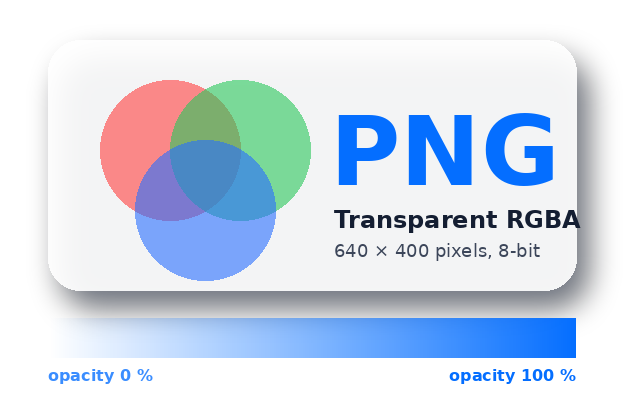
Lossless AVIF
sample-lossless.avif · 35.0 KB (35,876 bytes)
The same artwork flattened onto white, stored losslessly: RGB coded directly (identity matrix, 4:4:4), so every pixel decodes exactly. Advanced profile.
- Testing decoders with 4:4:4 and identity-matrix AVIF
- Checking a pipeline doesn't re-encode lossless images as lossy
10-bit HDR AVIF (PQ)
sample-hdr-10bit.avif · 2.3 KB (2,323 bytes)
A 1024 × 512 test card in BT.2020 colour with the PQ transfer curve: a ramp from 0 to 1,000 cd/m², patches at 100, 203, 400 and 1,000 cd/m², and a dark ramp where 8-bit coding would band. How it looks depends on your screen and browser, which is the point.
- Checking HDR display and tone mapping
- Testing that converters keep 10-bit depth and colour settings
Animated AVIF
sample-animated.avif · 7.8 KB (7,993 bytes)
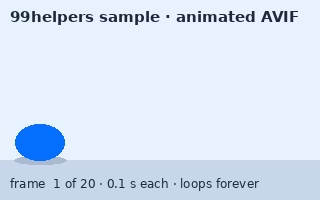
The bouncing ball from our GIF and WebP samples: 20 frames at 0.1 s, as an
avisimage sequence. Viewers without animation support show the first frame.- Checking animation survives upload and resizing
- Comparing animated AVIF with GIF and WebP
100 KB AVIF file
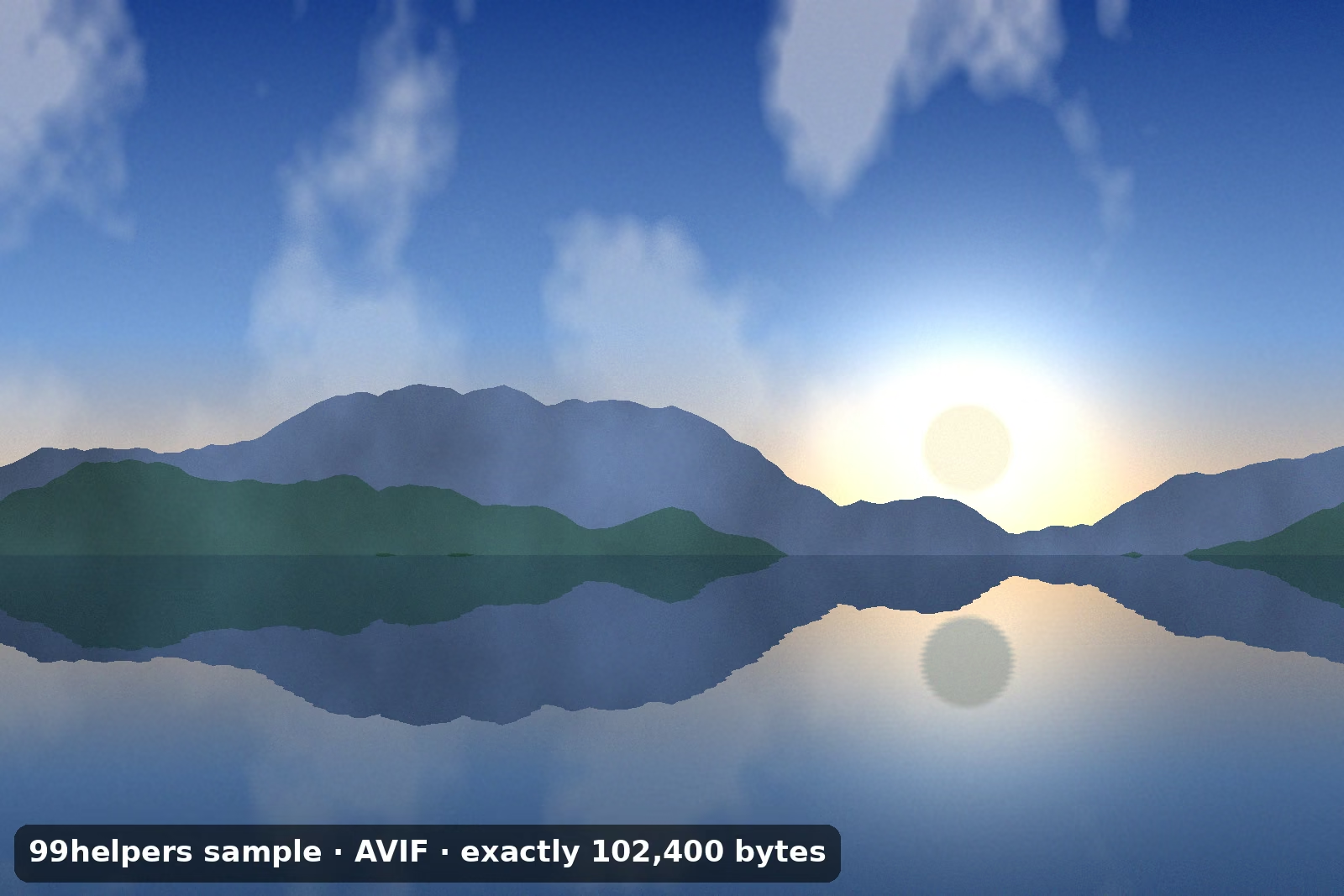
sample-100kb.avif · 100 KB (102,400 bytes)
A 1600 × 1067 lossy image, padded with whitespace inside its XMP item to exactly 102,400 bytes.
- Upload and size-limit tests at 100 KB
- Image CDN and resizing tests
Ways to test with them
- Upload acceptance: try
sample-photo.avifon any form that takes images and check it's stored asimage/avif, not rejected or renamed. - Transparency: put
sample-transparent.avifon a dark page. A white or black box means something dropped the alpha item. - Depth and colour: convert
sample-hdr-10bit.avifwith your pipeline, then runavifdec --infoon the result. It should still say 10 bits and the same colour settings. - Animation: after processing
sample-animated.avif, the ball should still bounce. - Size limits:
sample-100kb.avifis exactly 102,400 bytes, so you can test a 100 KB limit at the boundary.
Free to use for testing, teaching and demos, commercially or not, with no attribution needed. A link back to this page is always appreciated.
Put it online
Have an AVIF file? Give it a link.
Drop an AVIF on 99helpers and it gets its own web address. Anyone who opens the link in a current browser sees the image straight away, animated AVIFs included, with nothing to install or convert.
Questions
AVIF files, frequently asked
What is an AVIF file?
An image compressed with the AV1 video codec and stored in a HEIF container. It's usually smaller than a JPEG or WebP of similar quality, and supports transparency, HDR and animation.
How do I open an AVIF file?
Drag it into any current browser. On Windows, Photos opens it once the free AV1 Video Extension is installed; on a Mac, Preview opens it on macOS 13 or later.
How do I convert AVIF to JPG or PNG?
Use File > Export in Preview, an online converter such as Squoosh, or the command line: avifdec image.avif image.png or magick image.avif image.jpg.
Is AVIF better than WebP?
For photos it's usually smaller at the same quality, and it supports 10-bit colour and HDR. WebP encodes much faster, works in more desktop software, and its lossless mode is usually smaller than lossless AVIF.
Do all browsers support AVIF?
All current ones do: Chrome since 85, Firefox since 93 (animation since 113), Safari since 16.1 and Edge since 121. Use a <picture> element with a JPEG fallback for older browsers.
What's the difference between AVIF and HEIC?
Both use the HEIF container. AVIF uses the royalty-free AV1 codec and works in all current browsers; HEIC uses the patent-licensed HEVC codec and, among browsers, only Safari shows it.
Can AVIF be lossless?
Yes, by storing RGB directly at full colour resolution. Lossless AVIF files are often larger than PNG or lossless WebP, so AVIF is mainly used lossy.
Is AVIF free to use?
Yes. AV1 and AVIF were designed to be royalty-free, and the specification is published openly by the Alliance for Open Media.
Related formats
Other file types explained
Keep going
Related
Sources
- Alliance for Open Media: AVIF specifications
- AOMedia: AVIF v1.2.0 announcement (December 2025)
- Library of Congress: AVIF format description
- MDN: Image file type and format guide
- IANA: image media types
- Android Developers: supported media formats
Last reviewed 27 October 2026.